
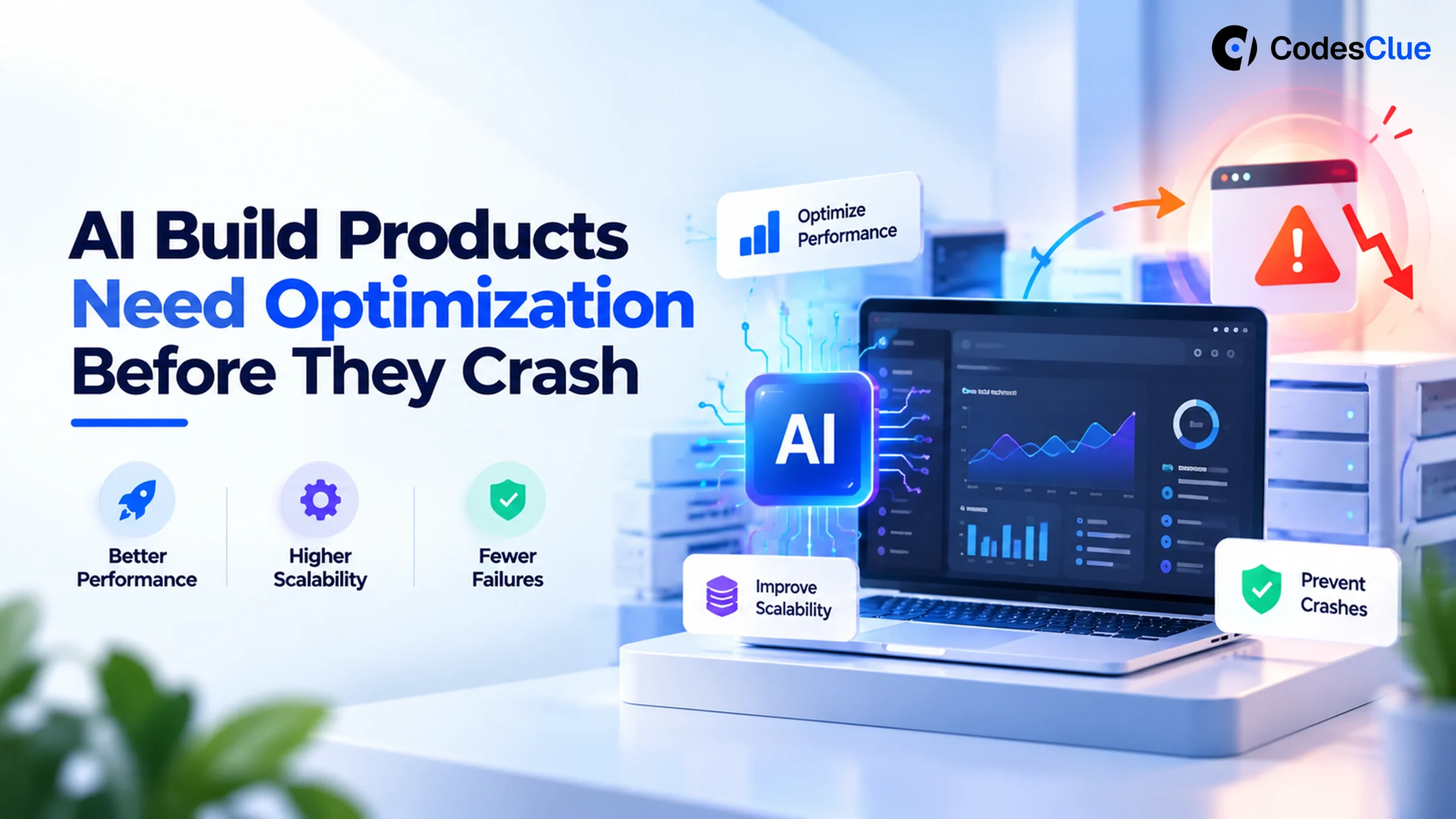
AI-Build Products Need Optimization Before They Crash
Is your AI-driven product stable? Discover the critical optimization steps required to ensure reliability, manage costs, and prevent system failures in AI-generated software.
Who says you need to be exceptionally certified to develop a next-gen software product or go through automations? AI can make you close to just one prompt away from launching a startup!
DemandSage clarifies that 88% (opens in a new tab) of global enterprises use AI in their business. Over half of the companies use AI to improve their production & automation processes and SEO optimisation. Then why not you?
Modern-day developers are facilitated with advanced LLM-powered tools. They actually behave like the enthusiastic keyboard warriors who can generate the production-ready code in minutes.
However, 60% of AI applications need significant rework to scale AI products effectively. Inefficient code structures, weak system architecture, and performance bottlenecks are the major troubling issues.
The reason behind this is the quick launch of AI-enabled products, as they break under real-world pressure due to a lack of proper optimisation. Let’s deeply understand this concept through this blog post.
The Hidden Trade-Off: Speed vs Stability
AI coding assistants are built to provide functional output and not optimal systems. This shakes out the critical difference between engineering quality and speed.
Even the developers have noted that AI has increased their coding speed by 56% (opens in a new tab). However, they also get covered with 20% to 30% inefficiencies if their logic and execution remain unreviewed.
Sometimes, these inefficiencies emerge in the form of overuse of API’s, redundant processing logic, poor database handling, and lack of system-level optimisation.
It’s where the LLM-generated code risks surface, and optimisation becomes the priority.
AI Technical Debt: The Silent Cost of Fast Development
Technical debt has always been a part of the software development lifecycle, but AI accelerates the way it quickly builds up.
A product that was taking months to develop can now be created in days. AI-generated code can be rapidly produced and deployed with no proper validation, refactoring, or long-term planning.
The result? The systems that seem perfect on the surface are covered by a layer of inefficiency underneath.
Real-World Impact
- Inefficient AI-generated logic brought companies to face up to 40% higher cloud costs.
- Unoptimized queries lead the systems to experience 2–5x slower response times.
- Companies also experienced an increase in debugging time by 25–40% due to poorly structured code.
Common Sources of AI Technical Debt
- Execution of redundant database queries multiple times per request.
- Lack of modular code structure.
- Repeated calls for APIs without caching.
- Hardcoded workflows that lack dynamic inputs.
Over time, this silent development makes the system fragile, increasingly resistant to growth, and expensive to maintain, making the speeding projects slow down.
Why Does AI-Written Software Become Expensive?
AI sometimes comes with unexpected cost escalation. If you advance your efforts, it will directly affect your investment. Thus, many teams utilising AI test and product development methods experience a surge in infrastructure bills within weeks of product deployment.
Key Cost Drivers (With Data Context):
- Inefficient API Consumption: Triggering excessive external calls without properly limiting API rate increases API costs by 3x to 10x in high-traffic environments.
- Unoptimized Database Operations: Lack of indexing and repeated queries increase the load on the database by up to 70%.
- No Caching Strategy: Caching reduces 60-80% response times, but sometimes AI fails at it by default.
- Poor Cloud Resource Management: System over-provisions or crashes due to improper cloud infrastructure scaling, leading to a waste 30% of cloud spend due to inefficiencies.
5. Inefficient NLP Model Usage: If not optimised, large language models significantly increase the computing costs. A decrease in token usage can only reduce the inference cost by 20-40%.
Performance Bottlenecks in AI Applications
AI applications, which are created on NLP pipelines, are basically resource-intensive. So, when they are combined with unoptimized code, it accelerates the performance issues. Some of the most common bottlenecks here can be large payload transfers between services, sequential processing rather than just the async workflows, inefficient memory handling, and slow model inference cycles.
Performance benchmarks report that a 100-minute delay in response time can adversely affect user engagement, decreasing by 7%, making AI optimisation critical for user retention.
Can AI-Generated Code Handle Millions of Users?
Rarely, in the raw form. As AI can quickly generate the functional code, it generally misses the deep-down engineering principles required for scaling. In fact, most of the AI-generated applications lack critical components like a failover mechanism, load balancing strategies, horizontal scaling capabilities, and a distributed system architecture. They are not just the fundamentals, but are essential to handle real-world traffic at scale.
Though your systems may work perfectly in the controlled environments, they would fall apart with the increasing user demand if they lack these foundations.
Example Scenario:
Let’s consider an NLP chatbot developed using AI-generated backend logic. It may smoothly deliver fast and accurate responses to 1,000 users accessing it. But when the usage grows to approximately 100,000 users, the cracks begin to display.
This indicates that the system may have hit API rate limits and observed failures. Simultaneously, the database receives concurrent requests unanswered, causing contention issues. This ultimately degrades the response times that could sometimes slow down to 5 times, and at the same time, impacts user experience badly.
Security Vulnerabilities in AI Software
AI-generated applications mostly struggle due to security risks. As AI can quickly produce functional code, it lacks the built-in security features.
In fact, recent analysis related to code security reports that around 40% of the AI-generated code is vulnerable to security risks, especially in the critical areas of input validation and authentication.
After all, security gaps can expose applications to multiple security threats if not properly addressed.
Common Risks:
- Weak authentication logic
- Exposed credentials in generated scripts
- Misconfigured permissions
- Lack of input sanitisation leading to injection attacks
Example Scenario:
Take an example of generating an AI-based user login system. It may comprise input validation at a basic level, but fails to sanitise them properly. An attacker injects malicious SQL queries to exploit this for potentially gaining access to user data.
Similarly, if the database credentials or API keys are hardcoded in the generated code, they could be leaked or mishandled and exposed easily. Thus, it puts both business integrity and user trust to compromise if no security is undertaken.
It is the reason why a thorough AI code security audit is recommended before final deployment so that sensitive or high-volume data is not at risk.
Automated vs Manual Code Review: The Reality
AI reviews code, but honestly, it deeply checks and investigates the code. It is capable of catching ‘what is going wrong’, but cannot find ‘what is built wrong’. The logic says, always go with human judgment.
What the Data Says:
Automated tools efficiently detect the low-level issues. According to studies, they can identify 70% to 80% of the simple bugs, linting issues, and syntax errors. But when we talk about the deeper problems, they fall short. For example, inefficient architecture or flawed system design, when around 50% of the critical issues have a high impact on performance and scalability, get missed.
Example Scenario:
Consider an AI tool reviewing a backend service that flags unused variables, optimizes a loop, and suggests cleaner syntax.
But remember one thing: it won’t question why a single server is handling the entire traffic without load balancing or why the system is making five redundant database calls per request. Even though everything passes regulatory criteria, the system still feels slow to a crawler under real-world usage.
Why Human Review Matters:
No one can deny that the human approach matters in reviewing AI tools. Manual code review goes beyond the fixes at the surface level. It ensures:
- Scalable system design to handle growth
- Logical accuracy aligned with business goals
- Clean and maintainable code that teams can build on
- Risk assessment and proper security implementation
In reality, choosing a blend of AI and humans is a better approach than choosing between the two. A hybrid review model using AI maintains speed and consistency, whereas human expertise ensures that your code actually makes sense and works when it is needed to.
How to Optimize AI-Generated Code (Practical Approach)?
AI-generated code optimisation doesn’t mean you have to fix a few patches; it is actually about helping real users. AI can bring you to the final result, but optimisation helps you understand why this is breaking. Here’s the process of how it goes:
1. Refactor Code Structure
AI can handle repetition, but your infrastructure bill cannot. Refracting improves modularity and eliminates duplicate logic that makes code easier to maintain and scale. Industry reports that teams have observed 20% to 30% improvement in maintainability after structured refactoring.
2. Optimise Database Interactions
Databases often affect initially when things don’t work as expected. Hence, optimising database interactions is essential
- To implement indexing for faster lookups
- Eliminate redundant queries
- Implement query batching instead of multiple calls
Example: Do not make 10 queries per request and batch them to reduce up to 1-2 queries per request. This can cut the response time drastically and improve the throughput. Poor query design can slow your system by 2 to 5 times.
3. Introduce Caching
If you can fetch the same data at once, then why fetch it 1,000 times?
- Use in-memory caching or tools like Redis
- Static data or cache is frequently accessed
Impact: Caching reduces load on databases by up to 70% to 80% with, significantly improving response times, especially in high-traffic applications.
4. Implement Asynchronous Processing
Operational blocking kills productivity. If your system holds on to all the tasks sequentially, it means it is basically standing in the queue behind itself.
- Move to async pipelines
- Use queues for background processing
Example: You can send emails, process uploads, or run AI inference asynchronously, which improves system responsiveness by 40% to 60%.
5. Control API Usage
AI-generated apps generally work like overenthusiastic interns, as they call APIs far more necessary.
- Prevent overload by applying a rate limit
- Use retry strategies with backoff
Result: It prevents API throttling, reduces costs, and ensures system stability under heavy traffic.
6. Optimise NLP Workflows
Bigger models do not always provide better results.
- Use smaller, efficient models where possible
- Reduce prompt size and token usage
Fact: Model selection and prompt optimisation can cut AI processing costs by 30% to 50% without sacrificing performance.
7. Enable Observability
Observing things is essential. If you can’t see the problem, you can’t fix it.
- Use monitoring and logging tools
- Track system performance in real time
Impact: Strong observability leads to reduced debugging and incident resolution time by up to 50%, helping teams fix issues before users even notice.
Bottom Line
AI-generated code offers you speed, but optimisation gives you stability. Without it, you are not scaling a product; instead, you are scaling problems.
Pre-Scale Technical Audit Checklist
Every product demands a bit of homework before it is ultimately created, tested, or launched among the users. Pre-scaling comes under those provisional activities that you should do before scaling AI-built products. It is a structured audit that is essential to make your product come in line with success.
Key Areas to Evaluate:
1. Performance
- Are there measurable performance bottlenecks in AI applications?
- Are response times within acceptable limits?
2. Code Quality
- Is the code modular and maintainable?
- Is there visible AI technical debt?
3. Security
- Has a full AI code security audit been conducted?
- Are vulnerabilities addressed?
4. Infrastructure
- Is cloud infrastructure scaling configured?
- Are auto-scaling and load balancing in place?
5. Cost Efficiency
- Are APIs optimised and rate-limited?
- Are unnecessary computer resources eliminated?
AI-Assisted Coding vs Professional Engineering
This distinction is critical for long-term success. Let’s have a look and identify the difference between AI-assisted coding and professional engineering.
| Aspect | AI-Assisted Coding | Professional Engineering |
|---|---|---|
| Focus | Speed | Scalability & Reliability |
| Output | Functional Code | Optimized Systems |
| Maintenance | Often Difficult | Structured & Manageable |
| Risk Level | High (if unchecked) | Controlled |
Why Do AI Startups Need Technical Audits?
In the hustle of building faster and launching rapidly, many AI startups have started taking engineering checks as an option for the development lifecycle process.
Technical audits at the early stages of developing software products behave like a reality check for AI-generated systems. This uncovers architectural gaps, hidden inefficiencies, and scaling risks before users ultimately receive the system.
Startups invested in audits often admit receiving 30% to 50% reduction in the infrastructure costs with smoother scaling and a lack of ‘why everything is slowing down?’ moments. In simple language, instead of slowing you down, a technical audit reduces the chances of expensive breakdowns. This also turns rapid innovation into sustainable growth.
The Value of Human Engineering Oversight
The power of AI is widespread, but one should understand that a certain thing should be created in a certain way only. AI generates code based on patterns and not on judgment. Thus, human engineers really make a difference.
Architectural Engineers bring their plans to design systems that scale and not just function. They have the ability to take risks, which helps them prevent failures before they take place. On the other hand, optimization expertise makes sure that the code runs efficiently under real-world conditions.
Humans mostly make context-driven decisions, aligning technology with user behavior, business goals, and long-term growth. This balance of speed and accurate judgement turns functional code into reliable and scalable software.
Final Thoughts: Build Fast, Optimize Faster
Artificial Intelligence quickly transforms the process of software product development. However, it also brought a new level of risk from the beginning. Now, generally, code is easy and accessible, but the product that performs well under pressure becomes successful.
Security, optimization, and scalability are never to be ignored but are critical to survive. A system that performs efficiently today can handle data, users, and the complexity of tomorrow’s system or become too expensive to maintain.
Hence, before you scale any AI product, it is always better to evaluate its efficiency, security, and cost structure. The reason is that most systems fail when they grow, instead of at their launch.
Frequently Asked Questions
How to optimize AI-generated code effectively?
To optimize AI-generated code effectively, start by refactoring redundant logic, optimizing database queries, and implementing caching and async processing. Combine automated tools with manual engineering reviews for the best results.
Why do AI-built applications become expensive to run?
AI-generated code often lacks efficiency in API usage, database queries, and cloud scaling, leading to higher compute and infrastructure costs over time.
What are the hidden risks of AI coding assistants?
The hidden risks of AI coding assistants include that they can introduce security vulnerabilities, inefficient logic, and poor architecture, resulting in performance bottlenecks and long-term technical debt.
Can AI-generated code handle large-scale user traffic?
AI-generated code can only handle large-scale user traffic with optimization. AI code typically lacks load balancing, scalability design, and performance tuning required to support millions of users.
Why is a technical audit important for AI-developed applications?
A technical audit identifies performance issues, security gaps, and cost inefficiencies, ensuring the system is scalable and production-ready.
What is the difference between automated and manual code review?
Automated reviews catch syntax-level issues quickly, while manual reviews ensure architectural quality, security, and long-term maintainability.