How to Integrate Your Web Portal with Existing CRM & ERP Systems
Connect your web portal to CRM and ERP systems the right way. Discover step-by-step integration strategies to automate workflows and unify your data.
A web portal should do more than display information. It should act as the central hub that connects customers, employees, vendors, and partners to the business systems they rely on every day.
Yet many organizations still run their portal, CRM, and ERP as disconnected applications. This creates duplicate data, delayed updates, manual processes, and inconsistent customer experiences.
The challenge is growing as businesses adopt AI and automation. Salesforce’s 2025 MuleSoft Connectivity Benchmark Report (opens in a new tab) found that the average enterprise uses 897 applications but integrates only 29% of them. The same report found that 95% of organizations face integration challenges when they implement AI initiatives, because their systems cannot exchange data efficiently.
A well-planned CRM ERP integration combines web portal CRM integration, web portal ERP integration, and the broader integration of CRM with ERP systems to build a connected ecosystem where data moves securely and automatically across every business function.
Understanding Web Portal, CRM, and ERP Integration
Before you build an integration strategy, it helps to understand the role each platform plays.
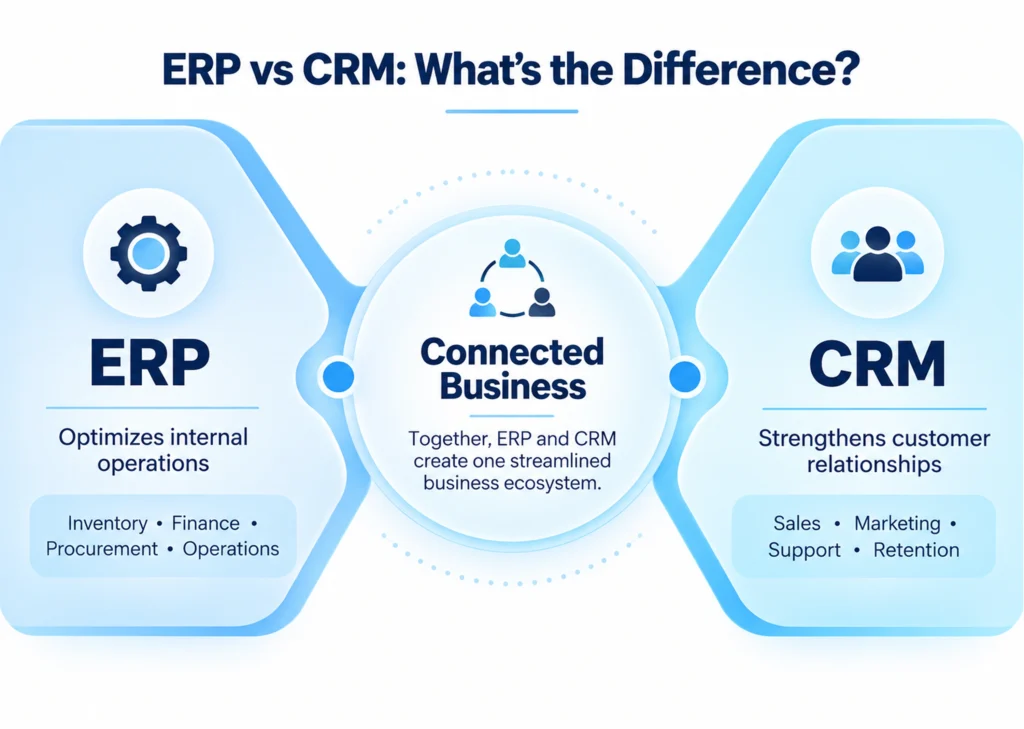
A web portal gives customers, employees, vendors, or partners a single interface to interact with your organization. Users place orders, access invoices, submit service requests, download documents, or track projects from one dashboard.
The CRM system handles customer-facing activity. It stores customer profiles, manages leads, tracks sales opportunities, and records every communication that builds stronger customer relationships.
The ERP system runs the operational side of the business. It controls inventory, finance, procurement, manufacturing, logistics, and payroll. While the CRM helps you win customers, the ERP makes sure those customers receive products and services on time.
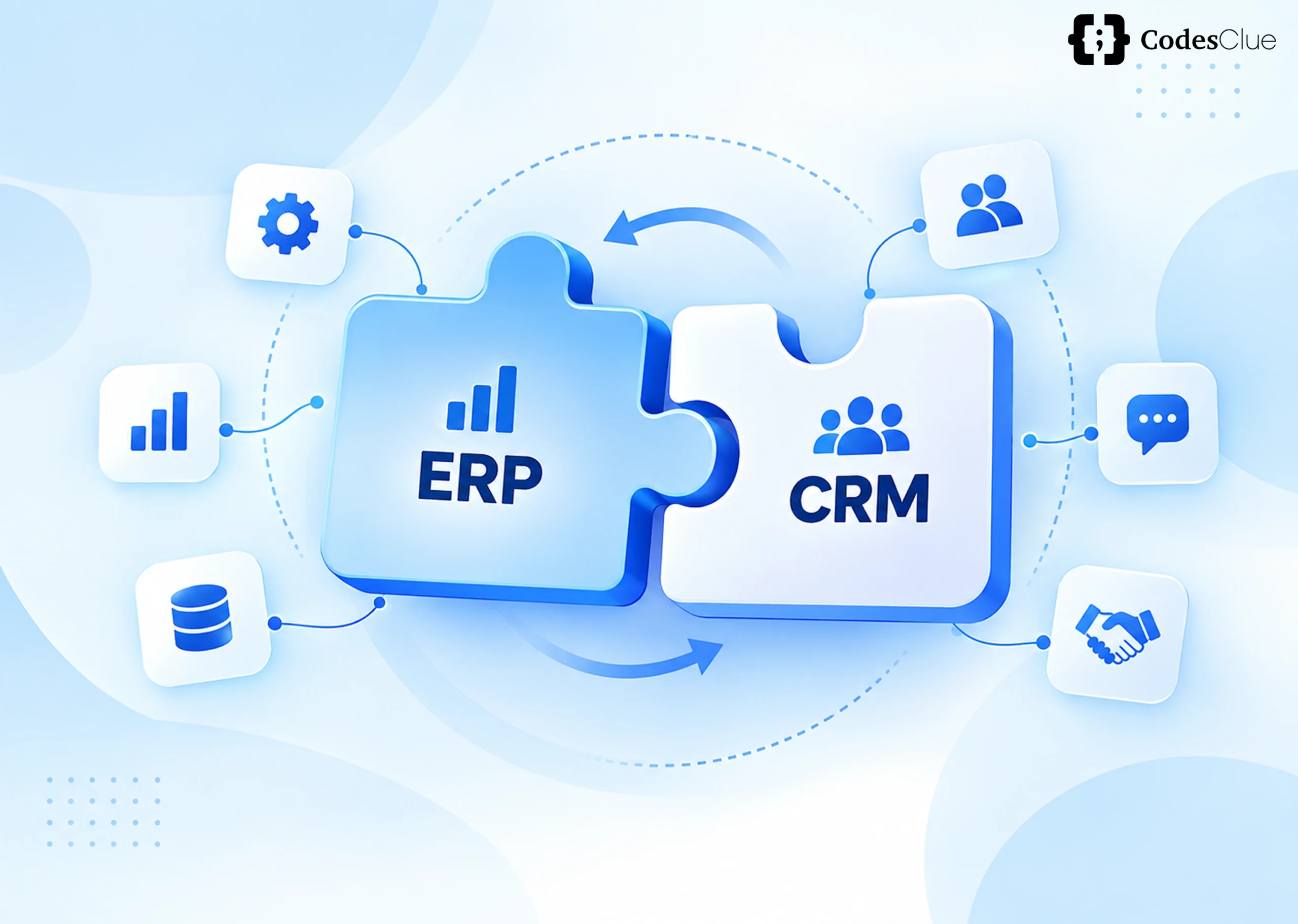
When you implement CRM ERP integration, the web portal becomes the communication layer that links both systems. A customer action on the portal automatically triggers updates inside the CRM and the ERP, so every department works from the same accurate data through real-time synchronization.
This is the foundation of a modern crm erp system: one where data consistency and system interoperability replace isolated databases, and customer information, inventory, orders, invoices, and support requests stay aligned across the organization.
Why Enterprise Portal Integration Has Become a Business Priority
Digital transformation no longer means simply adopting new software. The real advantage comes from making every application communicate seamlessly.
Consider a customer placing an order through your portal. If the CRM captures the customer details but the ERP doesn’t update inventory immediately, your sales team keeps selling products that are no longer in stock. Finance generates invoices manually, and support agents can’t give customers an accurate shipping update. Multiply that gap across thousands of daily transactions, and you see why enterprise portal integration is now a strategic investment rather than a technical upgrade.
Salesforce research also found that data silos create business challenges for 90% of organizations, and 71% of IT leaders believe disconnected applications hurt the customer experience.
Integration solves this by giving every department a single, trusted source of business data. It also accelerates business process automation across sales, finance, operations, and customer service: sales reps see current inventory, finance receives accurate order data instantly, support agents pull up complete customer histories, and executives make decisions from real-time reports instead of outdated spreadsheets.
How CRM and ERP Systems Complement Each Other
A common misconception treats CRM and ERP as similar tools. In reality, they solve different problems while sharing critical business data.
The CRM manages relationships; it tracks leads, logs conversations, runs sales pipelines, automates campaigns, and supports service teams.
The ERP manages execution it controls inventory, purchasing, accounting, warehouse operations, manufacturing schedules, and logistics.
The web portal connects both. When a customer logs in and submits an order, several things happen at once: the CRM updates the customer record, the ERP reduces inventory, the system generates an invoice, a shipping workflow starts, and the customer receives instant order confirmation, all without manual intervention.
| CRM | ERP | Web Portal |
|---|---|---|
| Customer profiles | Inventory management | Customer dashboard |
| Sales pipeline | Accounting | Order tracking |
| Marketing automation | Procurement | Invoice downloads |
| Customer support | Manufacturing | Payments |
| Lead management | Logistics | Self-service requests |
This is what makes portal, CRM, and ERP integration work as one connected system rather than three separate tools.
Choosing the Right CRM ERP Integration Architecture
There’s no single integration model that fits every business. The right crm erp integration architecture depends on your existing technology stack, business complexity, scalability needs, and digital transformation roadmap.
1. API-Based Integration: The Modern Standard
Most organizations now favor API integration because it delivers flexibility, scalability, and real-time communication between systems. Modern REST and GraphQL APIs let the web portal, CRM, and ERP exchange information instantly instead of waiting for scheduled database syncs.
An API-first strategy also simplifies future growth: new applications connect through standardized APIs without major redevelopment. As businesses adopt AI-powered tools, this API-driven architecture gives them the flexibility intelligent automation needs.
2. Middleware Integration
Enterprises running dozens or hundreds of applications can’t connect each one individually and expect to maintain it. Middleware introduces a centralized communication layer that manages traffic between the CRM, ERP, cloud platforms, and third-party systems.
Platforms such as MuleSoft, Dell Boomi, and Azure Integration Services cut development complexity by replacing multiple point-to-point connections with a single hub each application talks to. This approach scales more easily and costs less to maintain.
3. Integration Platform as a Service (iPaaS)
Cloud-first businesses increasingly choose iPaaS to simplify cloud CRM and cloud ERP integration. Instead of building custom integrations from scratch, iPaaS platforms provide pre-built connectors, workflow automation, monitoring dashboards, and low-code tools. Organizations that already run on SaaS products typically deploy faster on iPaaS because much of the infrastructure already exists.
4. Custom Integration for Enterprise Workflows
Standard connectors don’t solve every business challenge. Companies running legacy ERP platforms, industry-specific software, or proprietary workflows, including many looking for Dynamics CRM ERP integration with older back-office systems, often need a custom web portal integration. It costs more upfront, but it lets you build the integration around your operations instead of reshaping your processes to fit the software.
How to Integrate CRM and ERP: A Practical Framework
Successful CRM ERP integration depends more on planning than technology. Follow these steps:
- Define clear business goals: reduce manual work, improve order accuracy, or enable real-time customer updates.
- Audit your existing systems: map your CRM, ERP, APIs, databases, and third-party applications before you touch a single connector.
- Identify which data needs real-time sync: customer records, inventory, orders, invoices, and payments are the usual priorities.
- Pick an architecture that fits your business. API-first and middleware integration offer the best scalability for growing organizations.
- Build in security from day one: implement OAuth 2.0, encryption, API gateways, and role-based access control.
- Test thoroughly: verify functionality, performance, and security before you go live.
- Monitor continuously after launch: track data accuracy, system reliability, and long-term performance.
Best Practices for Long-Term CRM ERP Integration Solutions
The strongest enterprise integrations share a few architectural habits. An API-first mindset lets future systems connect without major redevelopment. Real-time synchronization removes reporting delays and improves the customer experience. A single source of truth prevents duplicate records and conflicting data across departments.
Governance matters just as much as architecture. Standardize your data formats, document every integration, automate monitoring, and review API performance regularly.
Security should go beyond login credentials. Encryption, audit logs, access controls, API versioning, and disaster recovery planning all keep an integration reliable over time, and together they turn integration from a one-time technical project into a long-term business capability.
Common Integration Challenges and How to Solve Them
Most integration projects run into the same obstacles, regardless of industry.
Legacy applications often lack modern APIs, which makes legacy system integration harder. Middleware typically offers the most practical bridge between Where B2B Customer Portals Fit In
For B2B companies, website portal integration with ERP does more than streamline internal operations it gives customers and partners direct, self-service access to the data that affects them. A b2b customer portal ERP integration lets buyers check stock levels, track orders, download invoices, and view account history without emailing your team. That reduces support tickets on your side and gives customers the real-time visibility they now expect.
The Future of Enterprise Integration
Enterprise integration is moving beyond simple connectivity as organizations invest in AI, cloud computing, and advanced enterprise application integration (EAI) capabilities. Businesses are adopting AI-powered integration, agentic AI, intelligent workflow automation, and composable architectures that let applications communicate autonomously.
Gartner forecasts (opens in a new tab) that 40% of enterprise applications will embed task-specific AI agents by the end of 2026, up from less than 5% in 2025. Businesses that modernize their integration strategy now will adopt tomorrow’s AI-driven tools without rebuilding their digital infrastructure from scratch.
Benefits of CRM and ERP Integration
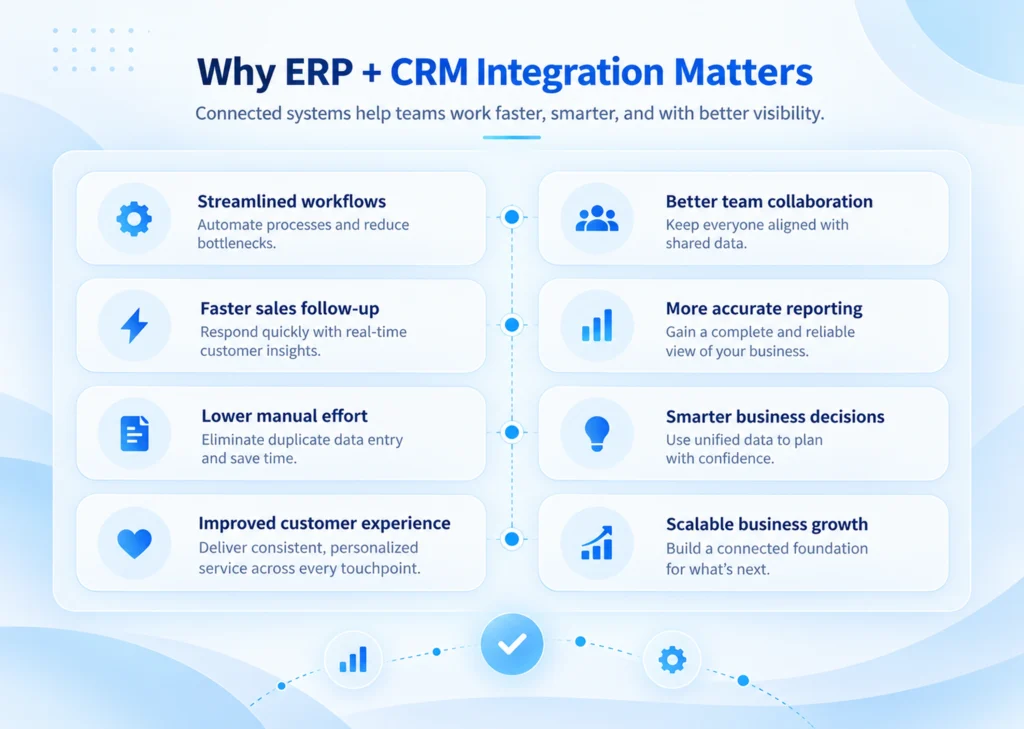
Organizations that integrate their web portal, CRM, and ERP see measurable gains across nearly every department. Employees spend less time transferring information manually. Support teams gain full visibility into every order, invoice, and interaction, so they resolve issues faster. Finance closes the books sooner, and executives make decisions from accurate, real-time business intelligence.
Integration also lays the groundwork for AI and workflow automation. Salesforce reports (opens in a new tab) that 93% of organizations now use APIs to automate business processes, and as businesses invest further in AI, connected enterprise data will only become more valuable. These are the core erp crm integration benefits that justify the investment: fewer manual errors, faster cycles, and a single source of truth every team can trust.
Conclusion
Successful CRM ERP integration isn’t just about connecting applications. It’s about building a unified digital ecosystem where information flows securely, processes run automatically, and every department works from the same source of truth.
Whether you choose an API-first architecture, middleware, iPaaS, or a fully custom web portal integration, prioritize scalability, security, and long-term maintainability.
At CodesClue, we build scalable CRM integration, ERP integration, and end-to-end portal integration solutions that align with your operational goals and digital transformation strategy. From integration strategy and API development to modernization and workflow automation, our team builds connected digital ecosystems that improve efficiency, support AI adoption, and accelerate business growth. Older systems and modern cloud applications.
Data inconsistency shows up when different departments keep separate customer records. Master Data Management establishes one authoritative source for critical business data and restores consistency across systems.
Security risk grows as more applications exchange information. Strong authentication, encrypted communication, API gateways, and continuous monitoring cut that risk while keeping you compliant.
Ongoing maintenance gets underestimated more than any other factor. APIs evolve, workflows change, and vendors push updates regularly. Continuous monitoring is what keeps an integration reliable long after launch.
FAQs
What is the best method for CRM ERP integration?
For most modern businesses, API-first integration is the preferred approach because it delivers secure, scalable, real-time communication between systems. Organizations with legacy applications often benefit more from middleware or an iPaaS solution that simplifies complex, multi-system integrations.
Can legacy CRM or ERP systems integrate with a modern web portal?
Yes. Legacy systems typically connect to modern web portals through middleware, custom APIs, or integration platforms. The implementation takes more planning, but businesses can modernize their digital ecosystem without replacing existing enterprise software.
What data should sync between a web portal, CRM, and ERP?
Prioritize customer profiles, product catalogs, inventory levels, orders, invoices, payment status, shipping information, and support tickets. Syncing these datasets keeps every department working from accurate, up-to-date business information.
What security practices protect a CRM ERP integration?
Secure your integration with OAuth 2.0 authentication, HTTPS encryption, role-based access control (RBAC), API gateways, and continuous monitoring. Regular security audits and API testing further protect sensitive customer and business data from unauthorized access.
How long does it take to integrate a web portal with CRM and ERP systems?
Timelines depend on the complexity of your existing systems. A simple API-based integration can take a few weeks; a large enterprise project involving legacy systems, custom workflows, and multiple applications can take several months.