

AI Personal Trainer App: How to Build One in 2026
How to build an AI personal trainer app: the MVP features, how the AI works, build vs buy, 6 steps, real cost bands and the health data rules to plan for.
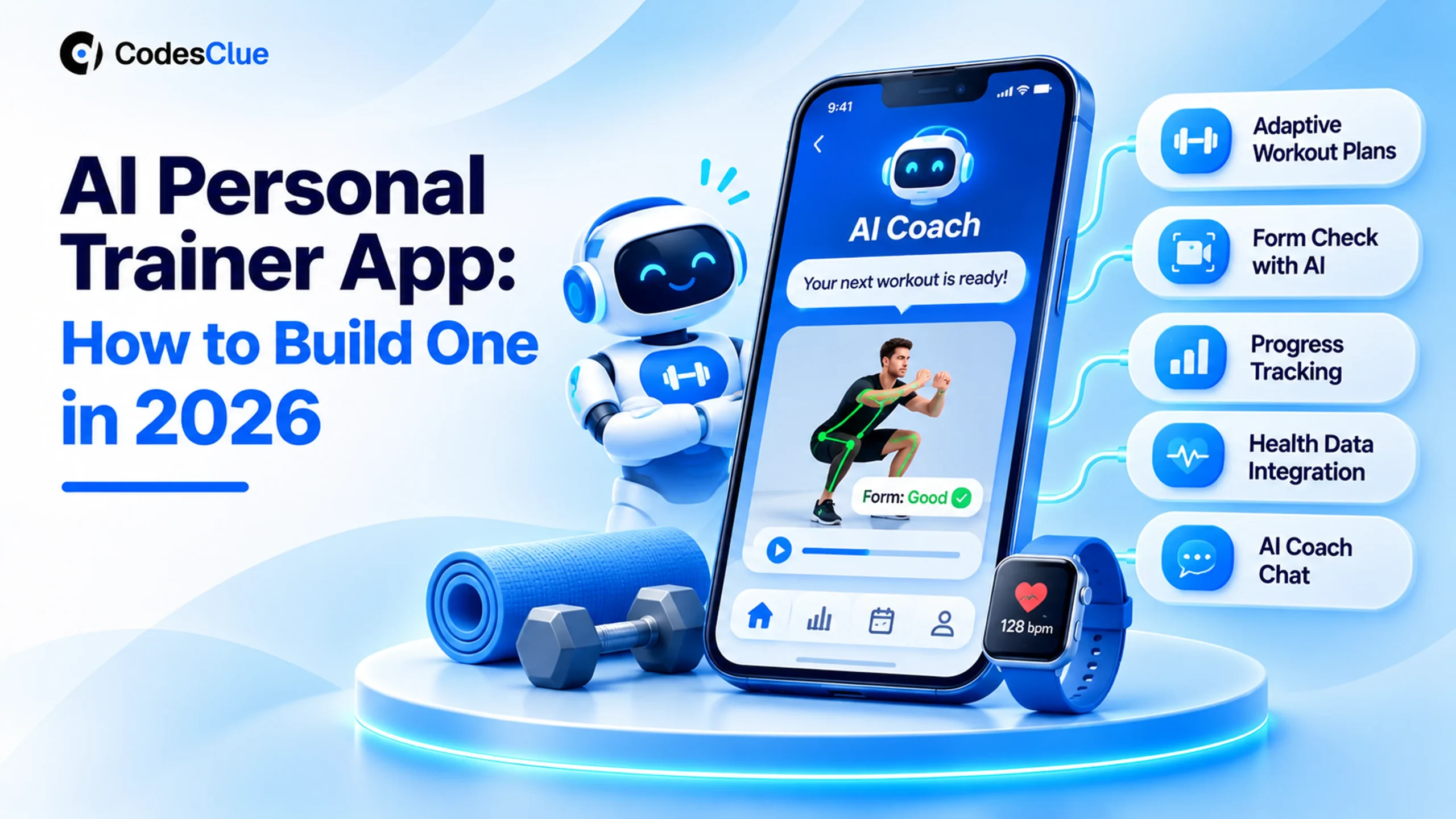
You train clients three evenings a week, and half of them stop showing up by March. Or you run a gym chain and members keep asking why their app only counts steps. Either way, the idea of an AI personal trainer app keeps coming back.
The question is what to build first, what it really costs and where the AI earns its place. This guide answers all three in plain words. You get a feature plan, a build vs buy table, six build steps and the rules you cannot skip.
Key Takeaways
- A good AI coach adapts the plan to each person. It reads goals, logged sessions and wearable data, then adjusts sets, load and rest days.
- Start with one coaching job done well, such as adaptive strength plans. Camera form checks and voice coaching can follow in a second release.
- Use Health Connect on Android and HealthKit on iOS. Google supports the old Fit APIs only until the end of 2026.
- Treat safety and privacy as features. Health apps outside HIPAA can still fall under the FTC Health Breach Notification Rule.
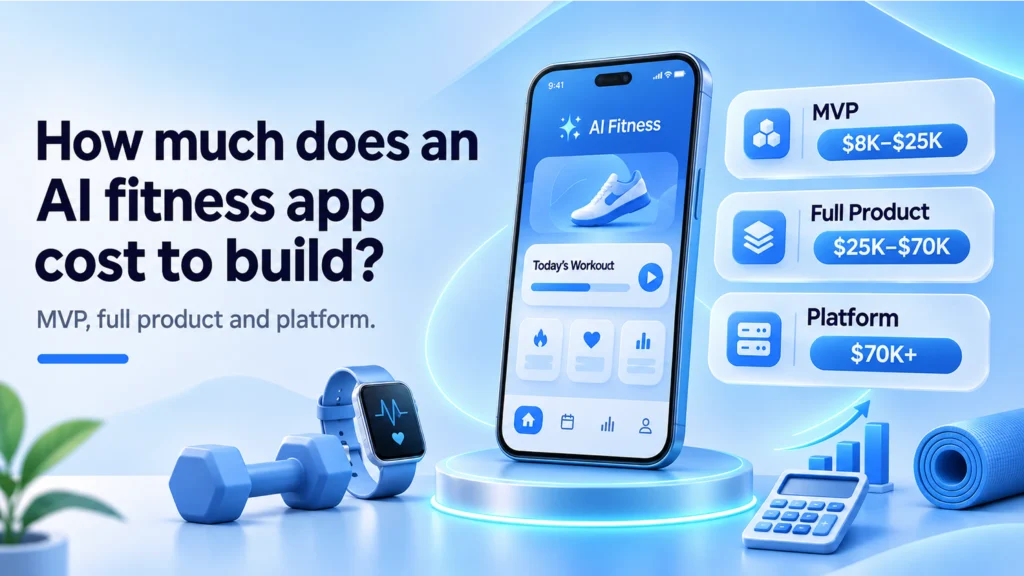
- At CodesClue, a focused MVP usually lands in the $8K to $25K band. A full product with camera tracking and coaching chat sits between $25K and $70K.
What is an AI personal trainer app?
An AI personal trainer app is a fitness app that builds and keeps changing a workout plan for one person. It uses their goals, history, recovery and device data. A rules engine and machine learning pick the next session, and a language model can explain why. The best ones also check form through the phone camera.
Think of it as the notebook a good coach keeps on every client, turned into software that never forgets a session.
How it differs from a normal workout app
| Question | Regular workout app | AI coaching app |
|---|---|---|
| Who writes the plan? | A coach or a fixed template | The app, based on each user’s data |
| What happens after a missed week? | The plan carries on as if nothing changed | Volume drops, then builds back up |
| How is form checked? | A demo video and good luck | Camera pose tracking with cues on reps and depth |
| Where do progress numbers come from? | Manual logging | Logs plus HealthKit or Health Connect data |
Pro tip: Write down the one decision your human coaches make most often, for example “add weight or repeat”. If the app makes that call well, users feel coached from week one.
Which features does an AI fitness app need first?
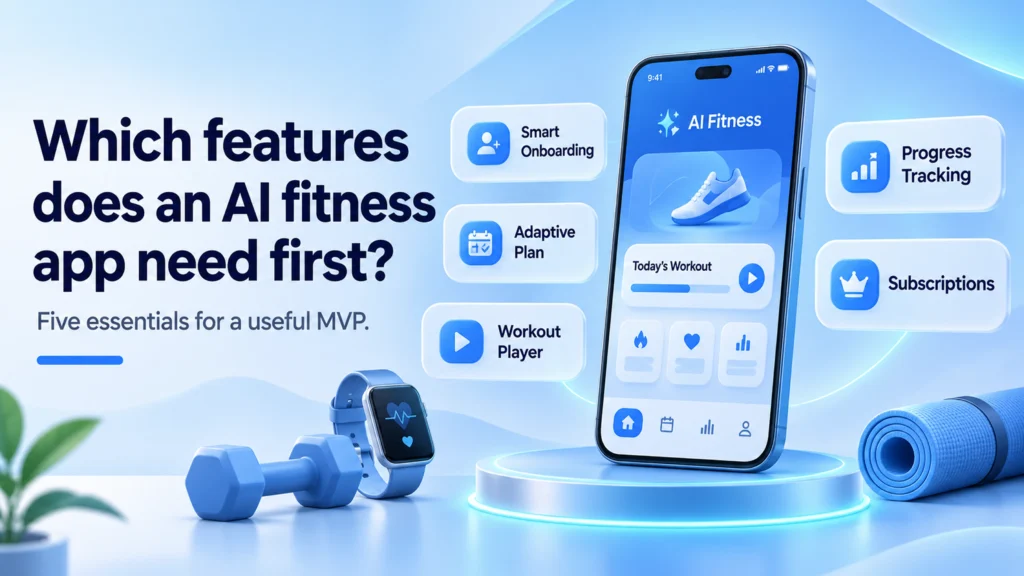
Five features carry an MVP. Everything else can wait until real users tell you what they miss.
- Onboarding that asks the right things. Goal, experience, equipment, days per week and any injury limits.
- An adaptive plan. The next workout changes with logged reps, effort scores and missed days.
- A workout player. Clear exercise demos, timers, rest countdowns and quick logging with one thumb.
- Progress tracking. Volume, personal bests and streaks, plus steps and heart rate from the phone’s health store.
- Subscriptions. In-app purchase on both stores, a trial and a clean cancel flow.
Second-release features usually include camera form feedback, a chat coach, nutrition logging, group challenges and a trainer dashboard. That last one matters if real coaches will review the AI’s plans.
Pro tip: Show users why a plan changed (“you hit all reps last week, so we added 2.5 kg”). A short reason builds more trust than a clever model.
How does the AI work inside the app?
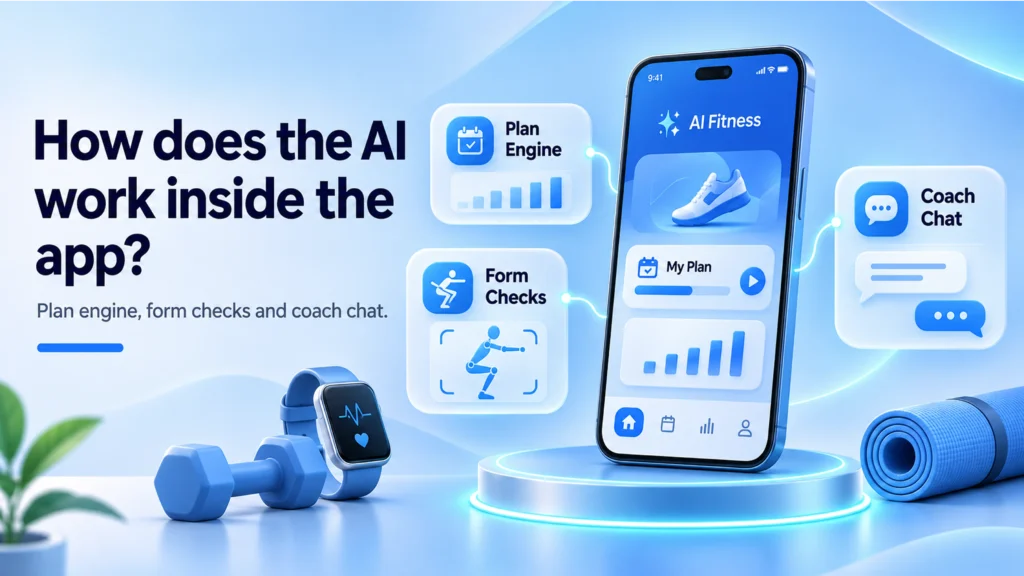
Most products use three layers. Each one can start simple and grow.
| Layer | What it does | Simple start | Later upgrade |
|---|---|---|---|
| Plan engine | Picks sets, reps, load and rest days | Coach-written rules with clear progress steps | A model trained on your own completed sessions |
| Form checks | Counts reps and spots poor depth or alignment | On-device pose tracking for 3 to 5 key lifts | More exercises and custom models for tricky moves |
| Coach chat | Answers questions and explains plan changes | A language model limited to your exercise library | Voice cues during the session |
For form checks, Google’s MediaPipe Pose Landmarker (opens in a new tab) tracks 33 body points and runs on Android, iOS, the web and Python. Running it on the phone keeps camera frames off your servers, which helps with privacy and cost.
Pro tip: Keep the chat coach on a short leash. Feed it your own exercise library and plan rules, and block medical questions with a polite referral to a doctor or physio.
Build vs buy: which route fits your business?
Not every fitness business needs custom software. Match your situation to the right route before you spend a dollar on design.
| Your situation | Best route | Why |
|---|---|---|
| Solo trainer with under 100 clients | Buy a white-label coaching app | Fast to launch, and your time is better spent coaching |
| Studio or gym that wants its own brand and member data | Custom MVP on one shared codebase | You own the data, the pricing and the roadmap |
| Fitness brand with a training method or hardware | Custom build with your own plan engine | The method is the product, so it cannot live in someone else’s app |
| Startup testing a new idea | Clickable prototype, then a lean MVP | Proves demand before you fund camera tracking and chat |
How to build an AI personal trainer app in 6 steps
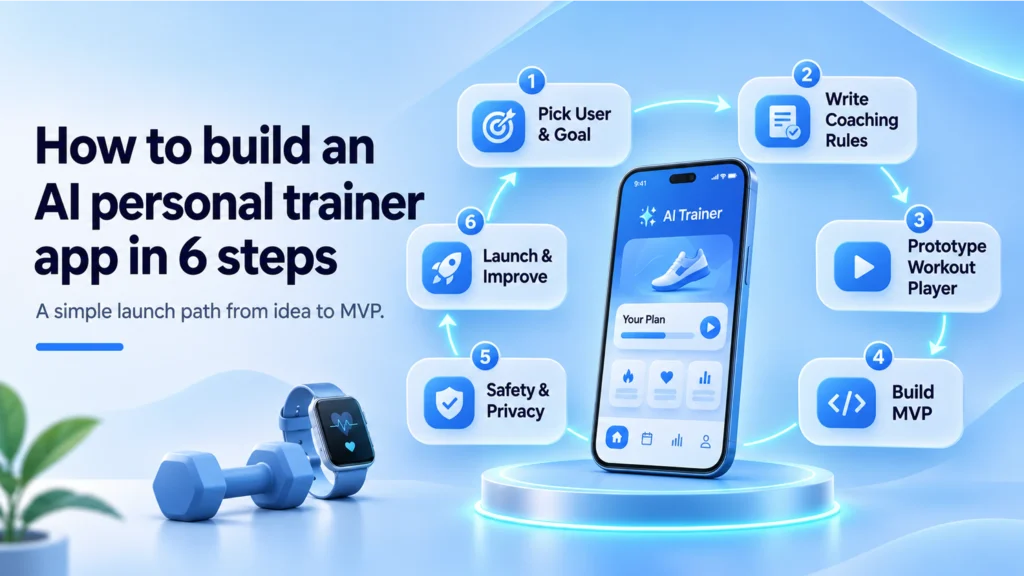
This is the order we would follow for a new fitness product. Each step ends with something you can test.
- Pick one user and one result. For example, busy beginners who want to train three times a week at home. Sum up that result in one line.
- Write the coaching rules with a real coach. Progress steps, deload weeks and exercise swaps. This becomes version one of the plan engine.
- Prototype the workout player. Test logging and rest timers with five people in a real gym before writing backend code.
- Build the MVP on one codebase. Flutter or React Native covers iOS and Android. Connect HealthKit and Health Connect from day one.
- Add safety and privacy checks. Health screening questions, consent screens, data deletion and a breach response plan.
- Launch to a small group, then add AI depth. Use real session data to tune the plan engine, then add form checks for your top lifts.
Planning a fitness product? Send us your idea and we will map which of these steps your first release needs.
A real example: one Flutter codebase, two app stores
A fitness app has the same shape as many apps we ship. It needs a busy mobile front end, a small backend and data that stays in sync. For SmartPantryPal, a household pantry app, we built iOS and Android from one Flutter codebase, with Node.js, Firebase and barcode scanning. The same setup suits a workout player with quick logging.
The AI side has a close match too. In Therapix.AI, clinicians record a session and the AI turns it into structured notes they can review and edit. A trainer dashboard works the same way: the AI drafts next week’s plan, and the coach approves or changes it.
What we take from real projects: in Therapix.AI the AI writes a draft and a person signs it off. We would use the same rule for training plans until the plan engine earns trust.
How much does an AI fitness app cost to build?
Cost depends on how much AI you need on day one. Published market ranges vary widely. Dev Technosys, for example, lists $10,000 to $25,000 for an Aaptiv-style app, but without camera tracking or a chat coach.
| Scope | What you get | CodesClue band |
|---|---|---|
| MVP | Onboarding, adaptive plan rules, workout player, health data sync, subscriptions | $8K to $25K |
| Full product | MVP plus camera form checks for key lifts, coach chat, trainer dashboard | $25K to $70K |
| Platform | Many coaches and gyms, custom models, wearables, admin and reporting | From $70K |
Plan for running costs as well: hosting, language model usage, app store fees and content updates. Our mobile app development cost guide and AI app development cost guide break these down further.
Safety, privacy and data rules
Workout and heart rate data is personal, and bad advice can hurt someone. Build these rules in from the first sprint.
- Breach rules in the US. The FTC Health Breach Notification Rule (opens in a new tab) covers many health apps outside HIPAA. Users and the FTC must hear about a breach within 60 days.
- Android health data. Google closed Fit API sign-ups in May 2024 and supports those APIs only until the end of 2026. The Health Connect migration FAQ (opens in a new tab) explains the replacement.
- iPhone workouts. Apple’s WWDC25 HealthKit session (opens in a new tab) brought workout sessions to iPhone and iPad. The iPhone has no heart rate sensor, so live heart rate needs a paired monitor.
- Medical limits. Ask about injuries and conditions at sign-up. Send users with red flags to a professional instead of a plan.
Pro tip: Run form checks on the device and store only the results, such as rep counts and depth scores. You keep the useful data and drop the risky video.
Common mistakes to avoid
- Building the chat coach first. Users judge the app on the workout player, not the chat window.
- Skipping a real coach. Plan rules written by developers alone feel generic within two weeks.
- Tracking form on 40 exercises. Start with 3 to 5 lifts and do them well.
- Ignoring the Google Fit shutdown. New Android apps should start on Health Connect.
- Hiding why plans change. Unexplained jumps in weight make users quit or ignore the plan.
Checklist before you start
- We know our first user and the one result they want.
- A qualified coach will write and review the plan rules.
- We picked the first 3 to 5 exercises for form checks, or decided to wait.
- We know which health data we need, and why.
- Our privacy policy, consent screens and breach plan are in scope.
- Our budget covers monthly running costs as well as the build.
Is it the right next step for you?
An AI personal trainer app pays off when your coaching method is good but does not scale past the people you can see in person. Start with an adaptive plan and a great workout player, then add camera checks and chat once users stick.
Our engineers work out of Ahmedabad, and CodesClue has teams on the ground in the USA, Germany and India. We plan the AI layer from the first workshop instead of bolting it on later. A fitness idea passes three gates with us: a small proof of concept, a launchable MVP, then a production app. We build each one in short Agile sprints. Our mobile app development and computer vision teams work on the same product.
Tell us who the app is for and what a good week of training looks like. We will reply with a first-release scope and a cost band. If you would rather grow your own team, our Flutter developers are ready, and development starts within 48 hours.
FAQs
Can an AI personal trainer replace a human coach?
For many beginners and busy people, it covers the daily work well: planning sessions, adjusting load and keeping them consistent. It does not replace a coach for injuries, competition prep or people who need someone watching every rep. Many gyms get the best results from a mix, where the app drafts plans and a coach reviews them each week.
How long does it take to build an AI fitness app MVP?
Published estimates for a simple fitness app run from about two to four months, and Dev Technosys quotes up to eight for a complex one. Our MVP scope covers onboarding, adaptive plan rules, a workout player, health data sync and subscriptions. Camera form checks and a chat coach add time, so most teams ship them in a second release.
Does an AI personal trainer app need HIPAA compliance?
Usually not, unless the app works for or with a healthcare provider, health plan or their business partner. Consumer fitness apps still carry duties, though. In the US, the FTC Health Breach Notification Rule covers many health apps outside HIPAA, and app store rules and state privacy laws apply too. Ask a lawyer to confirm for your exact model.
Is phone camera form tracking accurate enough?
It works well for counting reps and spotting clear problems, such as shallow squats or knees caving in, when the phone sits at a sensible angle with good light. It is weaker on fast or rotating moves and when part of the body leaves the frame. Start with a few lifts, test with real users and show cues as guidance rather than diagnosis.
Should I build for iOS, Android or both?
Most fitness brands need both, because members use both. One shared codebase in Flutter or React Native keeps the cost close to a single app. Go native only when a feature needs deep device access that cross-platform tools handle poorly. Either way, connect HealthKit on iOS and Health Connect on Android so progress data flows in from day one.