Power BI Copilot: How AI Is Transforming Business Intelligence in 2026
Power BI Copilot explained: what it does for each role, the capacity and data prep it needs, honest limits, and a 30-day plan to roll it out.
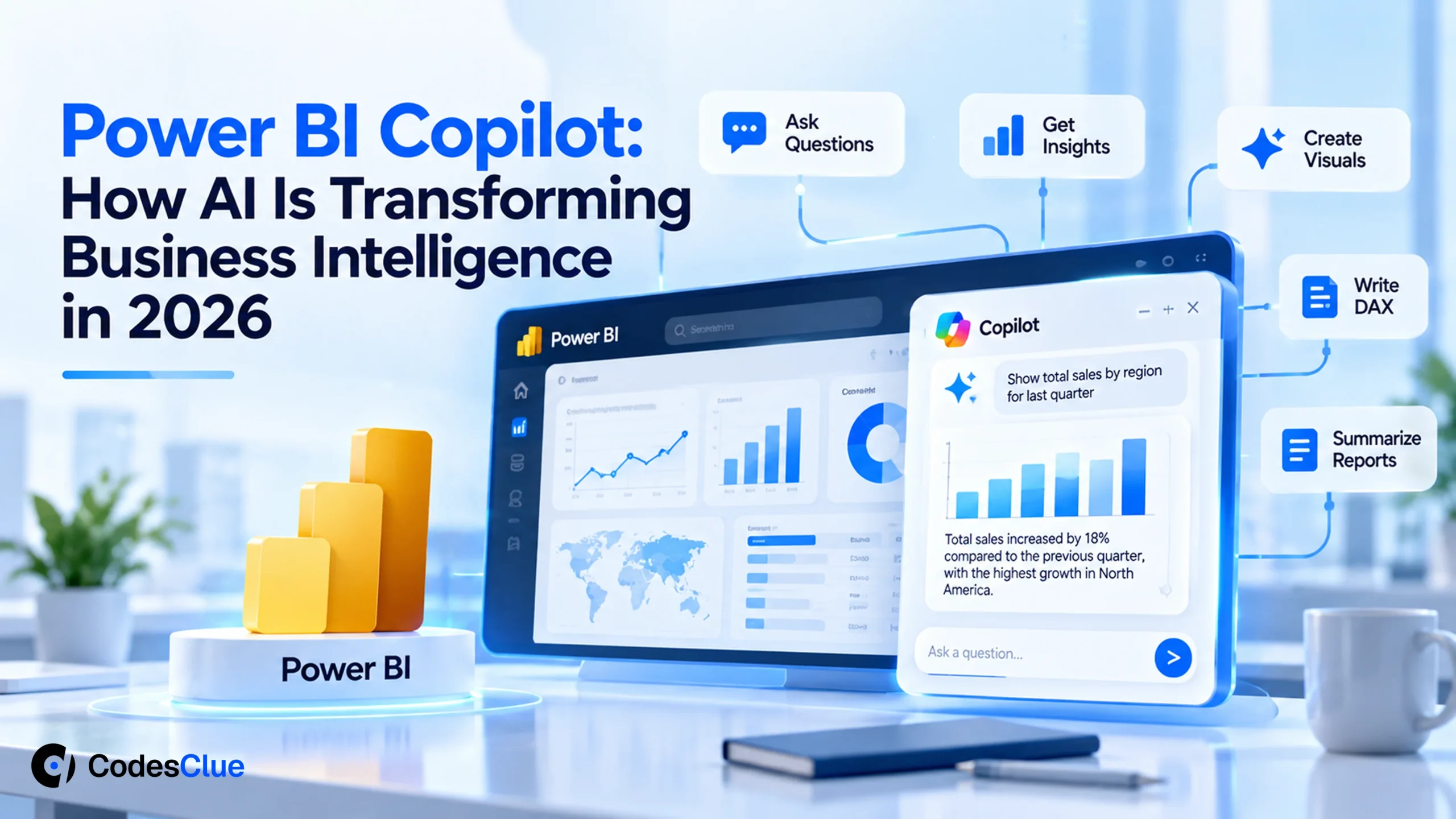
Your finance lead wants to know why margin dropped in March. The analyst who owns the report is out until Monday. So the question waits, and so does the decision.
Power BI Copilot is Microsoft’s answer to that wait. You type a question in plain English and get back a summary, a visual or a DAX query.
This guide covers what it does for each role and what you need before it works. You will also get a 30-day plan to prepare your data, and a clear view of when it makes sense to wait.
Key Takeaways
- Copilot answers questions, summarizes reports, drafts report pages and writes DAX in Power BI Desktop and the Power BI service.
- It needs a workspace on paid Fabric capacity (F2 or higher) or Premium capacity (P1 or higher), or a Fabric Copilot capacity. Trial capacities do not work.
- Answer quality depends on your semantic model. Clear names, descriptions and Microsoft’s Prep data for AI tools matter more than clever prompts.
- Treat every answer as a first draft. A person who knows the numbers still checks anything that drives a decision.
- Start with one trusted model and 10 to 20 real business questions, then widen the rollout.
What is Power BI Copilot?
Power BI Copilot is a generative AI assistant built into Power BI. It reads your semantic model and reports, then answers questions in plain language, summarizes pages, suggests visuals and writes DAX. Business users ask it questions. Report authors use it to draft pages and measures. It only works with data the user can already access.
You meet it in four places: a pane on each report, a full-screen standalone view, Power BI apps and the model editor. Microsoft keeps a current list of what each one does in its Copilot overview (opens in a new tab) (last updated August 2026).
Pro tip: Ask your Microsoft admin which of the four your tenant has switched on before you promise anything to your leadership team. The preview parts differ by region and tenant setting.
Power BI Copilot features by role
The Power BI Copilot features you get depend on what you do in Power BI. Here is the split, with the status Microsoft lists in August 2026.
| Role | What Copilot does | Status |
|---|---|---|
| Report reader | Summarizes the open report, answers questions about its data, adds summaries to email subscriptions | Copilot pane: generally available |
| Reader across reports | Finds reports and models you can access and answers questions across them | Standalone Copilot: preview |
| App audience | Answers inside a Power BI app and can return verified answers set by the app author | Copilot in apps: preview |
| Report author | Creates report pages from a prompt, adds a narrative visual, summarizes the model, writes DAX queries, drafts measure descriptions | Desktop and service |
| Semantic model author | Flags unclear names and structure, suggests fixes, helps edit measures, tables and relationships | Web modeling: preview |
These Power BI AI features sit next to older AI visuals many teams already use. Think of the key influencers visual or anomaly detection on line charts. Copilot adds the conversation layer on top.
What you need before Copilot works: a readiness checklist
Most failed Copilot in Power BI pilots stop here, not at the prompts. Run through this list with your admin first.
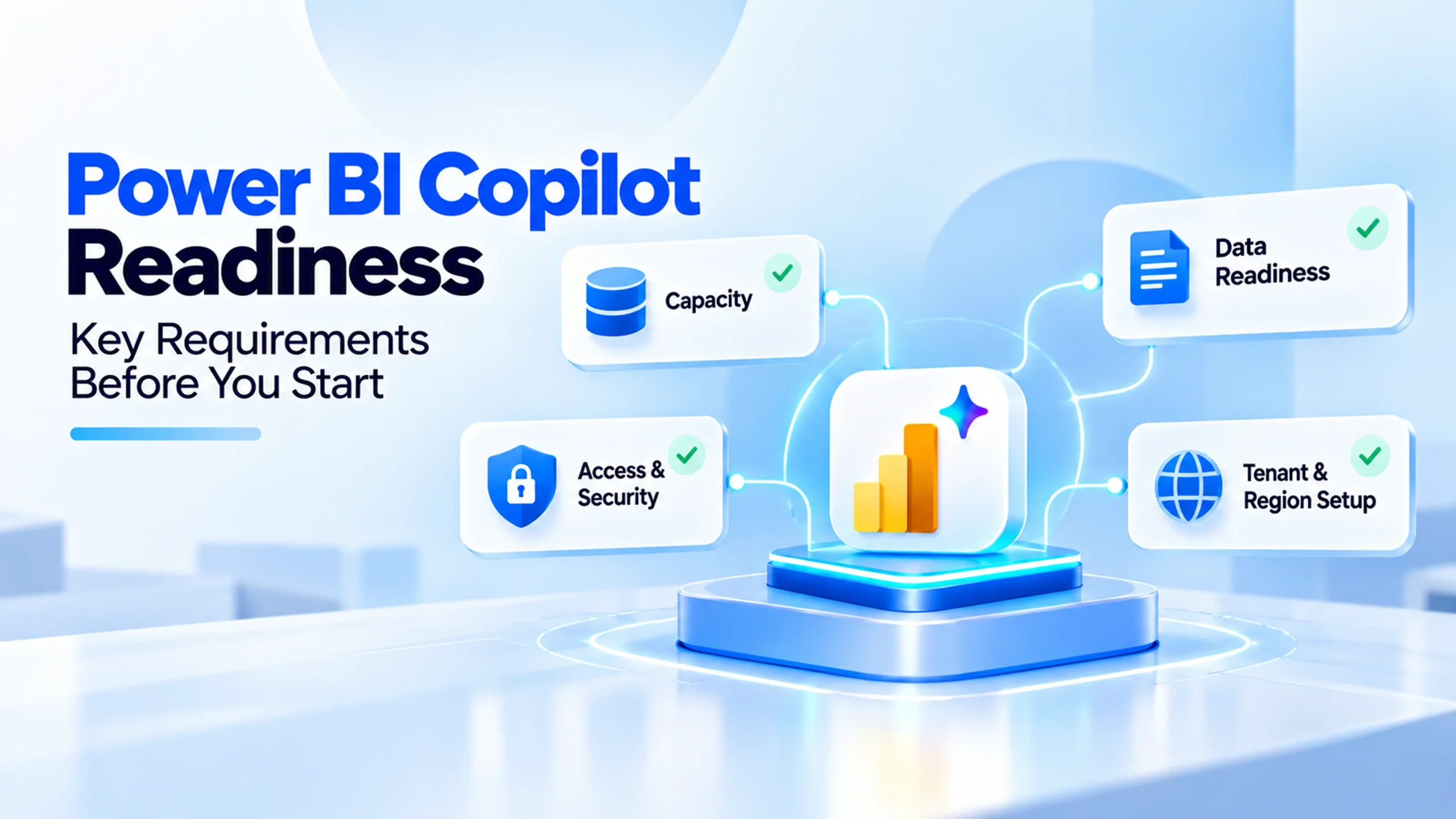
- Capacity: the report’s workspace sits on paid Fabric capacity F2 or higher or Premium capacity P1 or higher. The other route is a Fabric Copilot capacity, which bills only Copilot use. Trial capacities and free SKUs do not work.
- Tenant setting: “Users can use Copilot and other features powered by Azure OpenAI” is on. Microsoft ships it on by default, and capacity admins can change it for their own capacity.
- Region: your capacity sits in a supported Fabric region. Standalone Copilot is missing from some regions, including Germany North and India West. If Azure OpenAI is not offered in your region, an admin has to allow processing outside it.
- Network: Copilot does not support Private Link or closed network setups yet.
- Data: one semantic model with clear table, column and measure names, working relationships and a proper date table.
Microsoft lists the full rules on its Copilot setup requirements (opens in a new tab) page. Older guides still quote F64 as the minimum, so check the date on anything you read.
Pro tip: After you buy or scale up capacity, Copilot can take up to 24 hours to pick up the change. Book your pilot kickoff for the day after, not the same afternoon.
How AI is transforming business intelligence work
The biggest change is who gets to ask questions, and how fast. Here is what shifts in a typical reporting week, and who still checks the result.
| Task | Before | With Copilot | Who still checks |
|---|---|---|---|
| A manager needs a quick answer | Emails the analyst and waits a day or more | Asks in the Copilot pane on the report | The report owner, for answers that drive decisions |
| First draft of a report page | An analyst builds every visual by hand | The author describes the page and Copilot drafts it | Same author, who fixes layout, filters and measures |
| A new DAX measure | A developer writes and tests it | Copilot drafts the query from a description | A developer reviews the logic and the totals |
| Monthly summary for leadership | Someone writes the commentary from scratch | A narrative visual or subscription summary drafts it | The finance or operations owner edits it before sending |
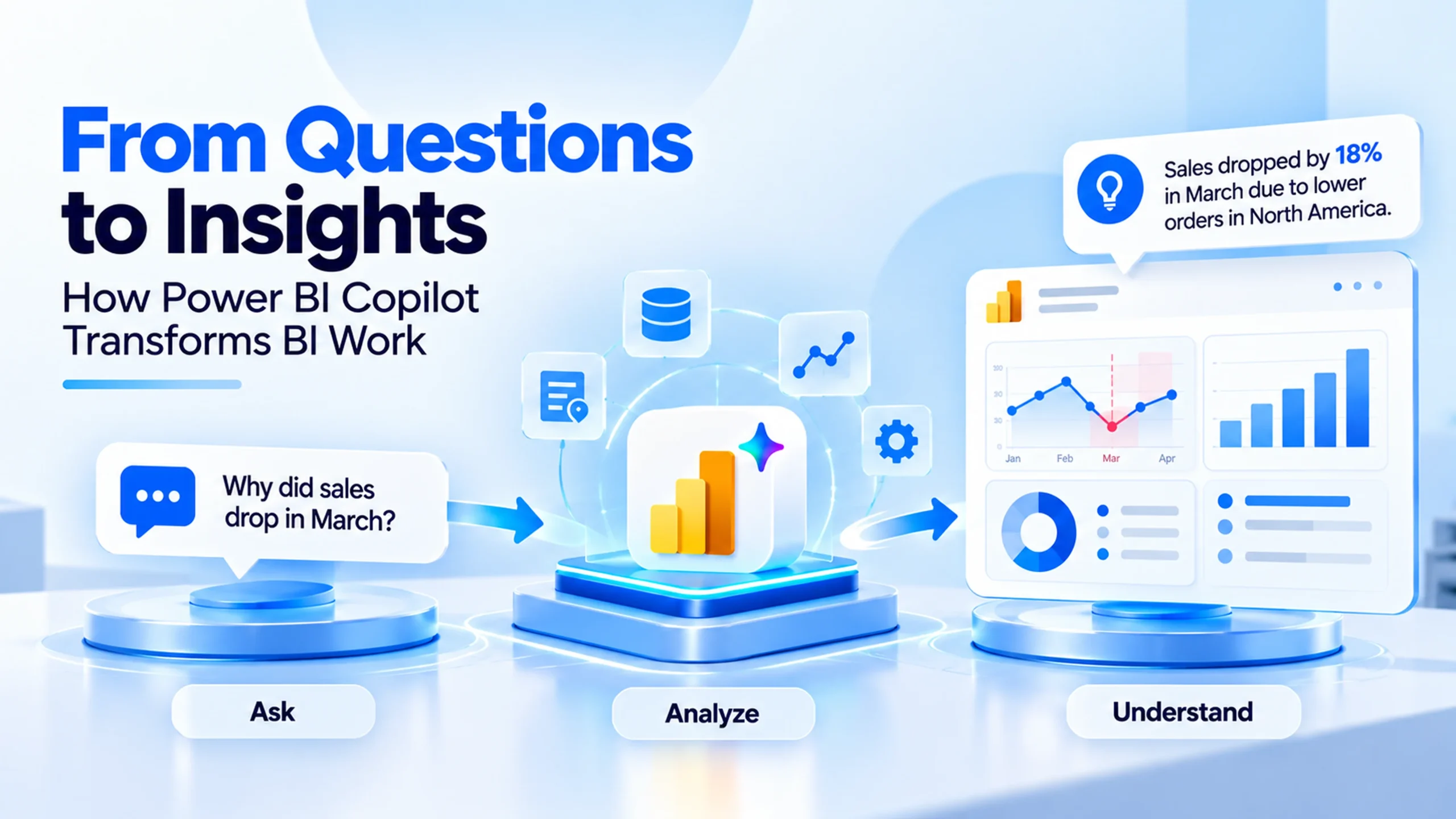
AI in business intelligence does not remove the analyst. It moves analyst time away from the tenth version of the same chart and toward keeping the model right.
Prepare your data: a 30-day plan for Copilot for Power BI
Microsoft says it plainly: without data preparation, Copilot can misread your data and return generic or wrong answers. This plan gets one model ready in four weeks. It uses the tools in Microsoft’s Prep data for AI guide (opens in a new tab) (preview, updated May 2026).
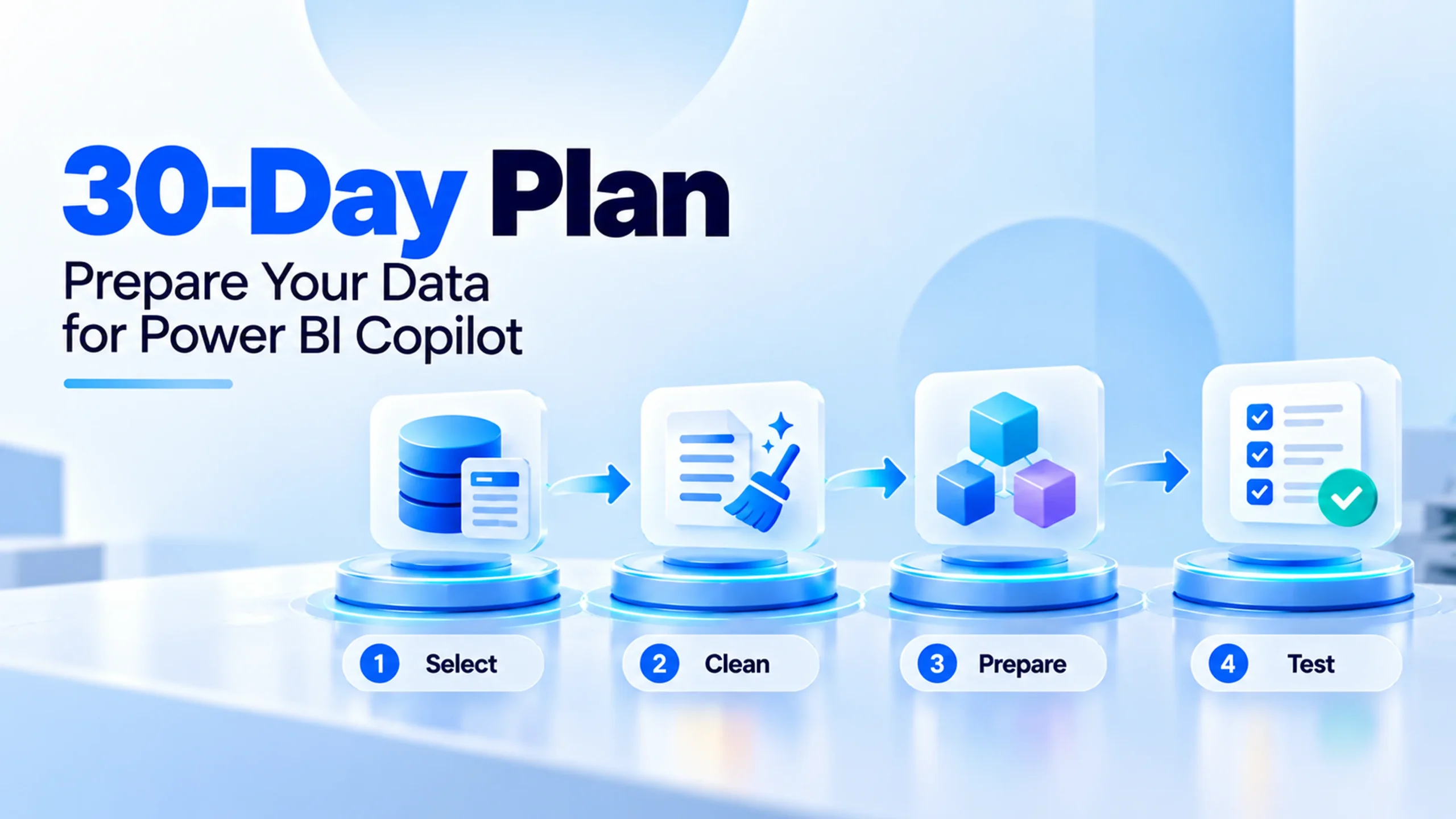
Week 1: pick the model and the questions
- Pick one semantic model people already trust, such as sales or finance reporting.
- Collect 10 to 20 real questions people ask about it today. Keep their exact words.
- Name an owner who can say whether an answer is right.
Week 2: clean the model
- Rename tables, columns and measures in plain business terms. “Net Revenue” beats “NR_Amt_2”.
- Hide helper columns and duplicate fields, so Copilot cannot pick the wrong one.
- Check relationships and the date table. Add descriptions to key measures. Copilot can draft them for you to review.
Week 3: use the Prep data for AI tools
- Open Prep data for AI from the ribbon in Desktop, or from the semantic model in the service.
- Use AI data schemas to choose which fields Copilot should look at.
- Write AI instructions with business context, such as when your fiscal year starts or what “active customer” means.
- Set verified answers on key visuals, with the trigger phrases people really use.
Week 4: test, approve and roll out
- Run your question list. Use “How Copilot arrived at this” to see how each answer came together.
- When an answer is wrong, fix the model first, not the prompt.
- Mark the model “Approved for Copilot” in its settings. Admins can limit standalone Copilot to approved models only.
- Open it to a small group first, collect feedback for two weeks, then widen.
Pro tip: Keep your question list as a test set. Run it again after every model change. Microsoft notes that AI output is not deterministic, so a fixed list is the only fair way to compare.
A lesson from our own dashboard work
We have not published a Copilot rollout case study yet, so here is the closest lesson from our own projects.
On AirShield, an air quality monitoring platform we built, the users were facility managers and maintenance staff with no technical background. Complex air quality metrics had to become dashboards they could act on. After feedback from staff using the product, we refined layouts, alert thresholds and notification wording for exactly those users.
The same rule applies to Copilot. It answers in the words your model uses. If your model names a measure “PM25_avg_7d”, Copilot hands that label straight to a manager who has no idea what it means. Plain names in the model give plain answers to the people reading them.
Planning a pilot? Our Power BI consultants can review your semantic model before you switch Copilot on. Tell us about your reports and we will tell you what to fix first.
Is Power BI Copilot worth it? A decision table
It depends less on the tool and more on where you start. Find your row.
| Your situation | Our advice |
|---|---|
| Fabric or Premium capacity, trusted models, many report readers | Turn it on for one model now and run the 30-day plan |
| Small team, few reports, no paid capacity yet | Wait. Compare the capacity cost with the analyst hours Copilot would really save |
| Cryptic names and many duplicate measures | Fix the model first. Copilot will repeat the mess back to your users |
| Strict data residency, Private Link or a closed network | Check region and network support with your admin before planning anything |
| Most users ask questions in German or another language | Test carefully. Microsoft does not officially support languages other than English yet |
Power BI AI pays off most where many people read the same reports and ask similar questions. If you are comparing business intelligence AI tools, look past the feature list. Check where your data already lives, what each tool needs from your data model and which licence every reader needs.
Limits to know before you roll it out
- First drafts, not final answers. Report pages and DAX from Copilot need a review before anyone relies on them.
- Cached answers for a day. The same prompt on an unchanged model within 24 hours returns the cached answer. Reword the prompt or refresh the model to get a new one.
- Capacity use. Copilot consumes capacity units based on tokens, and the queries it triggers count against the model’s capacity. Watch usage closely in the first weeks.
- Prompt length. Copilot accepts prompts of up to 10,000 characters.
- Preview parts change. Standalone Copilot, Copilot in apps and web modeling were still in preview in August 2026, so menus and limits move.
Common mistakes to avoid
- Switching it on for everyone on day one. One bad answer in front of the CFO costs more trust than ten good ones earn. Start with a small group.
- Judging Copilot on a messy model. A model with 40 near-identical measures will give poor answers with any AI tool.
- Fixing answers with longer prompts. If people need a paragraph of context for every question, put that context into AI instructions once.
- Shipping Copilot DAX without review. A measure can return a number that looks right and still use the wrong filter.
- Skipping the owner. Every model in the pilot needs one person who decides whether an answer is correct.
Where AI-powered business intelligence goes next
Microsoft keeps moving Copilot parts from preview to general release, and the direction is clear. AI-powered business intelligence is moving from “build me a report” to “tell me what changed and why”. In our view, the teams that benefit first will be the ones with clean, owned models, not the ones with the most dashboards.
That is also why AI for business intelligence is a data project before it is an AI project. The work that makes Copilot useful is naming, ownership and access rules. Our data governance team often starts there.
How CodesClue helps with AI business intelligence
We work AI-first and in short Agile cycles. For AI business intelligence that usually means three steps. We start with a proof of concept on one model, then an MVP rollout for one team, then production across the company. Our engineering team is based in Ahmedabad, with offices in India, the USA and Germany.
- Semantic model reviews and clean-up before a Copilot pilot, with our Power BI developers.
- Dashboards and reporting built on your existing data, through our data analytics services.
- Fabric and Azure setup, capacity planning and region choices with our Azure consulting team.
Conclusion: start small with Power BI Copilot
Power BI Copilot can cut the wait between a question and an answer from days to minutes. It only does that well on a model people already trust. So pick one model, clean it, prepare it with Microsoft’s tools and test it with real questions. Then widen the rollout.
Want a second pair of eyes on your model before you switch Copilot on? Talk to our data team and we will start with the one report your leadership reads most.
FAQs
Can Power BI Copilot replace a data analyst?
No. Copilot drafts pages, summaries and DAX faster, but it cannot tell whether a number makes business sense. Someone still has to build and maintain the semantic model, define measures, set permissions and check answers that drive decisions. In practice, Copilot shifts analyst time from routine report building to keeping the model clean and answering the harder questions.
Does a Power BI Pro licence include Copilot?
Not on its own. Copilot works when the report sits in a workspace on paid Fabric capacity (F2 or higher) or Power BI Premium capacity (P1 or higher), or when your organisation has a Fabric Copilot capacity. Trial capacities and free SKUs are not supported. Ask your Microsoft admin which capacity your workspaces use before you plan a pilot.
Can Copilot show a user data they are not allowed to see?
Copilot works with the reports and semantic models the signed-in user can already access, and standalone Copilot only searches items that user has access to. Admins can also limit standalone Copilot to models marked Approved for Copilot. The catch: if your workspace permissions are too loose today, Copilot makes that easier to notice, so review access before rollout.
Does Copilot work in Power BI Desktop?
Yes. Report authors can use Copilot in Power BI Desktop to draft report pages, summaries and DAX. Desktop needs a link to a Copilot-ready workspace: you need admin, member or contributor access to at least one workspace on paid Fabric F2 or Premium P1 capacity or higher, unless your organisation uses a Fabric Copilot capacity.