Beyond the Dashboard: How AI-Powered Web Portals Automate Enterprise Workflows
Is your dashboard doing enough? Discover how AI-powered web portals automate enterprise workflows and turn data into action.
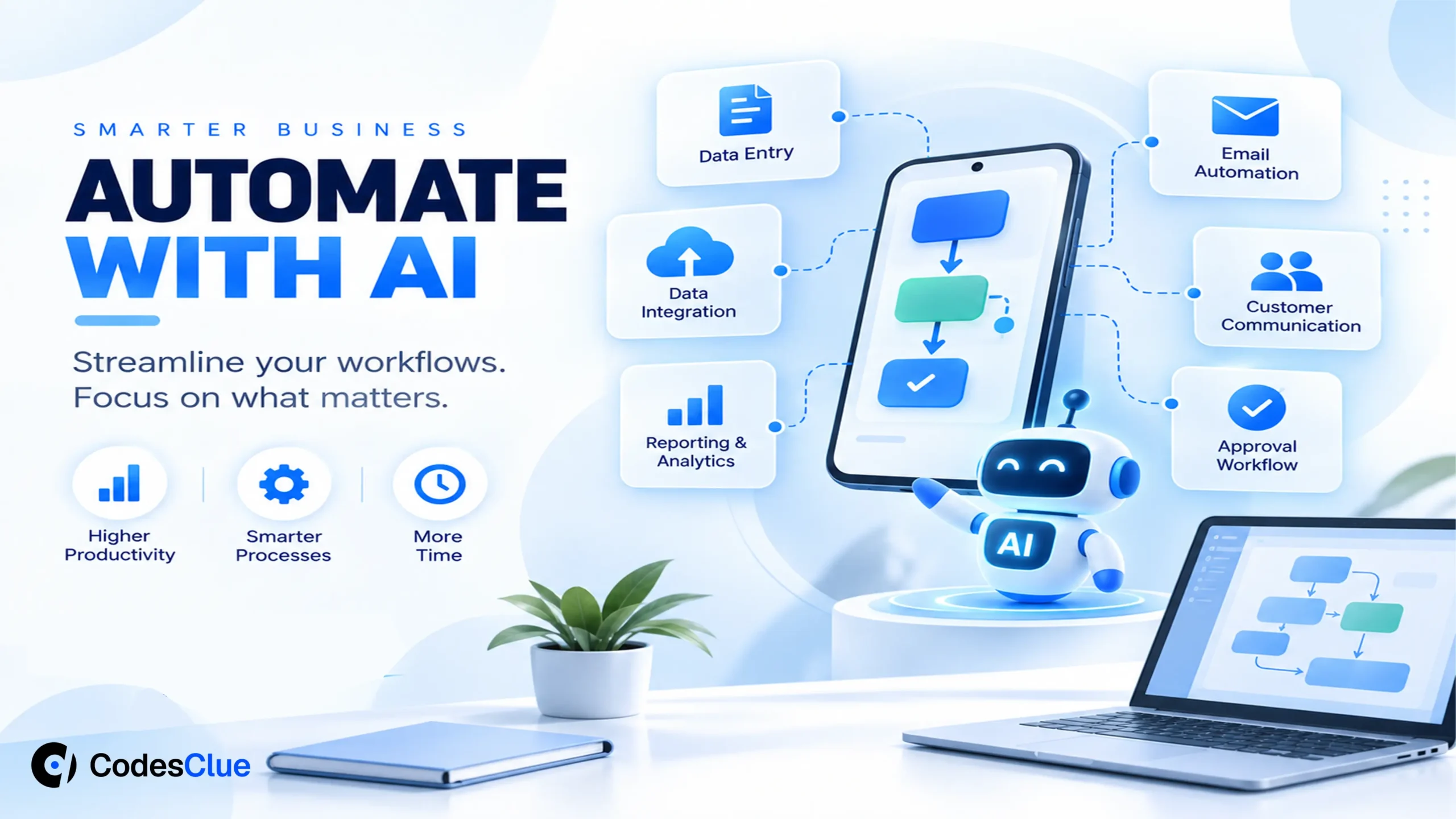
For years, enterprise portals were built to display information. You logged in, checked a dashboard, downloaded a report, and manually kicked off the actual work somewhere else. That model is breaking down fast. AI-powered web portals are now doing the work themselves, not just showing it to you. They read documents, route approvals, flag risks, and trigger the next step in a process without waiting for a human to click a button.
For any business owner, IT leader, or decision-maker still relying on static portals, this shift is not optional anymore. It is the difference between running operations and watching them from the sidelines.
This blog breaks down what an AI-powered web portal actually is, how AI workflow automation fits inside it, and what it takes to build one that genuinely reduces manual work instead of just adding another tool to the stack.
Key Takeaways
- AI-powered web portals combine machine learning, NLP, and automation to turn passive dashboards into active systems that execute tasks.
- AI workflow automation replaces rigid, rule-based logic with adaptive decision-making that learns from patterns in real data.
- Enterprise workflow automation cuts manual processing time in areas like approvals, onboarding, claims, and document handling.
- A well-built enterprise web portal unifies data from multiple systems, so AI agents have full context before acting.
- Human-in-the-loop design keeps AI accountable, especially for high-stakes decisions like finance approvals or compliance checks.
- Business process automation works best when it is embedded into existing workflows, not bolted on as a separate tool.
What Is an AI-Powered Web Portal?
An AI-powered web portal is a digital platform that combines traditional portal functions, like login access, dashboards, and forms, with machine learning, natural language processing, and automation engines. Instead of just presenting data, it interprets that data and acts on it. According to a detailed breakdown by DevOptiv, these portals integrate technologies such as machine learning, natural language processing, predictive analytics, and automation to move beyond static digital experiences.
Think about the difference this way. A traditional portal shows you a list of pending invoices. An intelligent web portal reads each invoice, checks it against your vendor contract, flags mismatches, and routes only the exceptions to a human for review. The rest gets processed automatically. That is the real shift from dashboard to decision engine.
Why Enterprises Are Moving Beyond Static Dashboards
Static dashboards were built for a slower business world. Today, enterprises deal with high transaction volumes, distributed teams, and customers who expect instant responses. A dashboard that just displays numbers cannot keep pace with that.
This is where enterprise digital transformation becomes urgent rather than optional. As one industry report notes, businesses now need platforms that adapt to user behavior and evolving market demands, not just static systems that sit there waiting for input. The portal has to become part of the operation, not a window into it.
Three forces are pushing this shift:
- Volume pressure. Manual review of every ticket, claim, or request does not scale past a certain point.
- Talent cost. Skilled staff spend hours on repetitive tasks that add no strategic value.
- Customer expectations. People expect self-service resolution, not a three-day wait for a human reply.
How AI Workflow Automation Actually Works Inside a Portal
AI workflow automation is not one feature. It is a layered system working behind the portal’s interface. Atlassian describes it clearly: instead of relying on rigid if-then rules, AI workflow automation uses machine learning to analyze data, recognize patterns, and continuously improve over time, which gives systems more flexibility, accuracy, and scale than older rule-based tools.
Here is how the layers typically break down inside a modern enterprise web portal:
| Layer | What It Does | Example |
|---|---|---|
| Data ingestion | Pulls data from CRMs, ERPs, emails, and forms into one place | Reading a submitted PDF claim form |
| Intelligence layer | Applies ML/NLP to interpret intent and extract meaning | Detecting a claim is high-risk based on past patterns |
| Decision engine | Decides what happens next based on business rules and learned patterns | Auto-approving low-risk claims, flagging high-risk ones |
| Action layer | Executes the next step without manual trigger | Notifying the right team, updating records, sending confirmations |
| Human checkpoint | Routes exceptions or high-stakes items to a person | Final sign-off on large financial transactions |
Appian’s own claims-processing example shows this in practice. Their AI Copilot lets insurers build a claims submission interface directly from uploaded PDF forms, verify fields automatically, and configure data in a fraction of the manual time it used to take. That is business process automation doing the heavy lifting while people focus on judgment calls.
Agentic AI Is the Next Layer
Agentic AI takes this further. Instead of just following a script, an AI agent can reason, pull data from multiple systems, and complete multi-step tasks on its own. AWS describes agent-driven browser automation as a way to let AI agents handle repetitive digital tasks across enterprise systems, freeing teams from manual navigation between tools.
Atlassian frames the distinction well too. Traditional automation follows exact steps and breaks when something unexpected happens. Agentic workflows adapt to changes and improve from experience, acting more like a coworker who gets better over time than a fixed script.
For enterprises, this means a portal is no longer limited to what a developer explicitly coded. It can respond to situations it was not directly programmed for, within the guardrails you set.
Where Enterprises Are Already Using This
Intelligent web portals are already active across multiple industries, not just a future concept. Based on how these systems are being deployed today:
- Finance: Fraud detection, automated reconciliation, and self-service customer portals reduce both risk and support load. See our fintech software development work.
- Insurance: Claims triage and document verification cut processing time from days to hours.
- HR and operations: Employee onboarding, leave approvals, and policy queries run through AI-driven interfaces instead of email chains.
- Supply chain: Portals connect ERP, logistics, and supplier systems to flag delays before they become customer-facing problems. Explore logistics software development.
- IT service management: Ticket triage, summarization, and resolution suggestions cut response time for support teams.
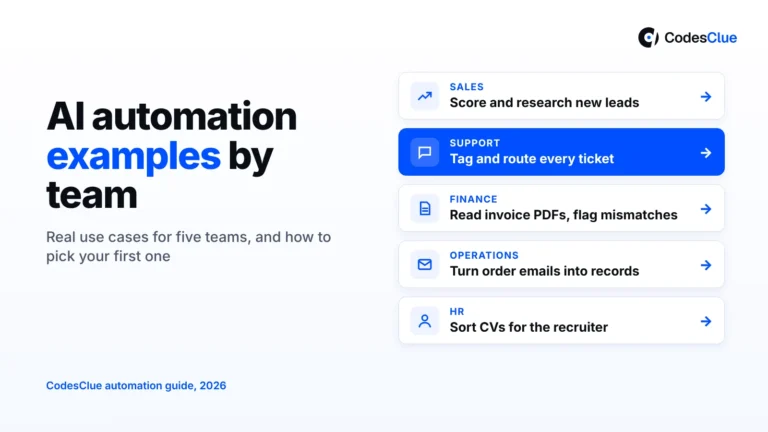
DevOptiv points out a similar spread, noting that finance uses these portals for fraud detection and forecasting, e-commerce for personalized recommendations, and enterprises broadly for employee management and workflow automation. If you are unsure where to begin, these AI automation examples by department can help you pick your first use case.
Traditional Portal vs AI-Powered Portal
| Factor | Traditional Portal | AI-Powered Web Portal |
|---|---|---|
| Data handling | Displays static reports | Continuously analyzes live data |
| Task execution | Requires manual trigger | Executes tasks automatically |
| Decision-making | Rule-based, fixed logic | Adaptive, pattern-based logic |
| Scalability | Struggles with volume spikes | Handles surges through automated triage |
| User experience | Search, click, wait | Conversational, proactive assistance |
What Enterprises Need to Get Right?
Building an AI-powered web portal is not just a development project. It needs planning across data, process, and governance before a single line of code gets written. Getting expert AI consulting at this stage saves a lot of rework later.
- Map the workflow first, not the interface. Understand where bottlenecks currently exist before deciding what to automate.
- Centralize your data. AI agents can only reason well when they have access to data from every relevant system, not fragments. Solid data engineering makes this possible.
- Set clear guardrails. Decide upfront which decisions the AI can make alone and which need human sign-off.
- Start with low-risk automation. Automate simple, high-volume tasks first, then expand to complex, judgment-heavy processes.
- Build for continuous learning. Your portal should improve from real usage data, not stay frozen at launch specs.
Appian’s own guidance echoes this. AI agents only deliver real value when they are deployed within platforms that give them access to data from multiple systems, since context is what makes their reasoning useful.
The Human-in-the-Loop Reality
Full automation sounds appealing, but most enterprises are not ready to hand over every decision to a machine, and honestly, they should not. Atlassian’s own research flags this tension directly: employees can be wary of workflows that automate parts of their jobs, and building trust requires clear communication about the AI’s purpose along with demonstrated reliability over time.
The strongest enterprise workflow automation systems are not built to remove people. They are built to remove the repetitive parts of a person’s job so the person can focus on the parts that actually need judgment. A claims adjuster reviewing 5 flagged high-risk cases a day works very differently, and far better, than one manually sorting through 500 routine ones.
This is where an agent-first, human-in-the-loop approach earns its place. AI handles volume. People handle exceptions, edge cases, and final accountability. That balance is what makes automation sustainable instead of risky.
Common Roadblocks and How to Handle Them
-
- Legacy system silos: Old systems that do not talk to each other block AI from getting full context. Fix this with proper API and AI integration before adding AI features, and consider legacy software modernization where the old stack is the real blocker.
- Data quality issues: AI decisions are only as good as the data feeding them. Clean and structure your data early.
- Security gaps: As portals gain more autonomy, they also become bigger targets. Strong authentication, encryption, and regular audits are non-negotiable.
- Change resistance: Teams need training and transparency about what the AI does and does not decide, or adoption stalls.
Final Word
The shift from dashboards to AI-powered web portals is not about chasing a trend. It is about removing the manual bottlenecks that slow enterprises down every single day. Enterprise workflow automation works best when it is treated as an operational upgrade, not just a UI refresh, and when human judgment stays in the loop for the decisions that actually need it. Businesses that get this balance right will move faster, spend less on repetitive work, and free their teams to do the work that actually needs a human mind behind it.
Ready to build one? Talk to our team about your AI-powered portal.