

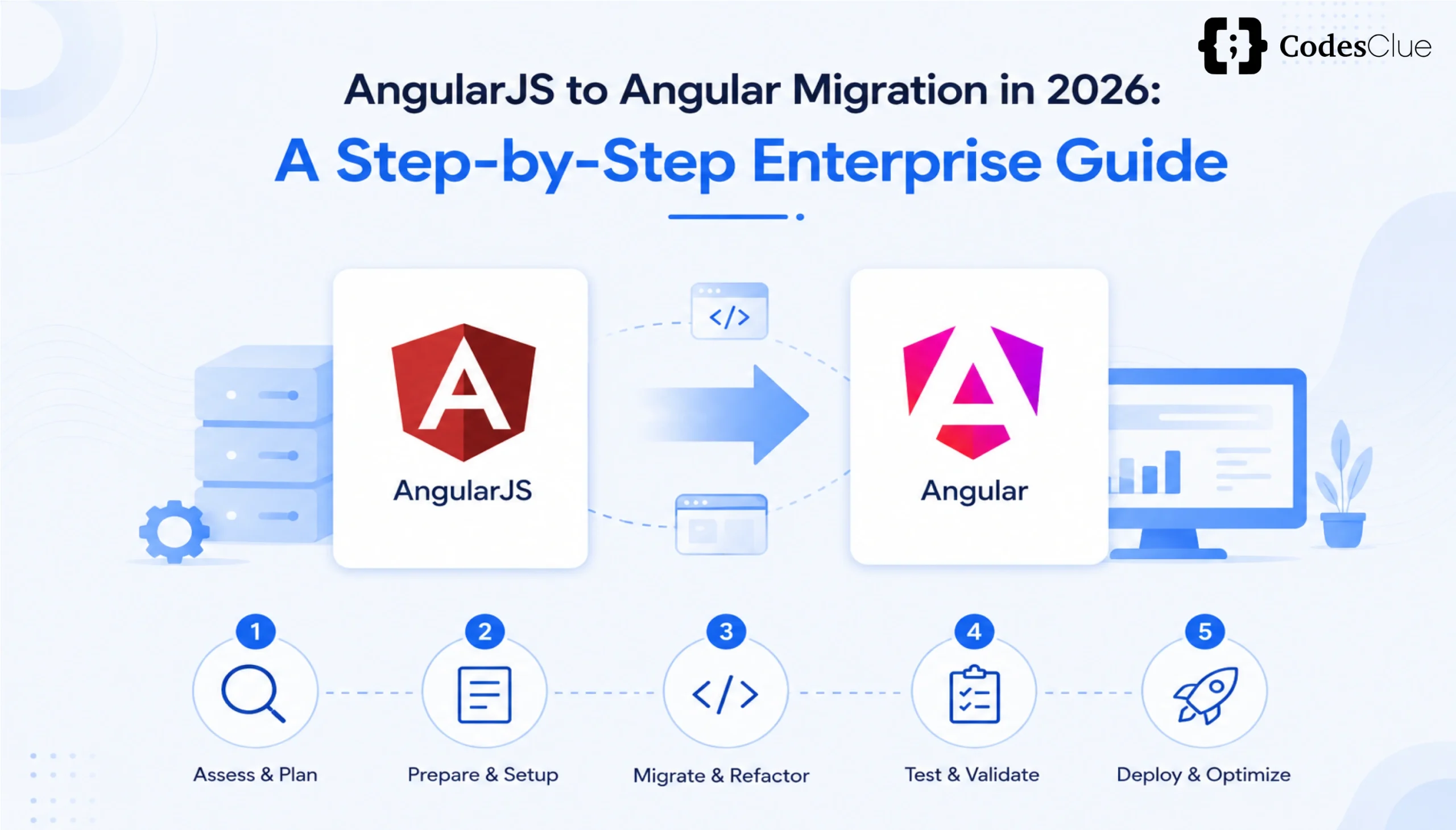
Your AngularJS application still works. Users can log in, complete tasks, and business continues as usual. This could be a problem.
AngularJS officially reached End of Life (EOL) on December 31, 2021. Since then, it has received no security updates, bug fixes, or official support. Meanwhile, browsers, operating systems, and cyber threats have continued to evolve.
That means your application becomes riskier every year, making AngularJS to Angular migration an important business priority rather than just a technical upgrade.
AngularJS security vulnerabilities have already been discovered after AngularJS reached EOL, including CVE-2022-25844 (ReDoS), CVE-2022-25869 (Cross-Site Scripting), and CVE-2024-8372/8373 (Content Spoofing). Because AngularJS is no longer maintained, these issues will never receive official patches.
This Angular Upgrade Guide explains the risks of staying on AngularJS, what’s changed in Angular by 2026, and how to migrate AngularJS to Angular without shutting down your business or rewriting everything at once. It also provides practical Angular migration steps and helps you build a long-term Angular modernization roadmap.
AngularJS End of Life Risks: Why Delaying Migration Increases Business Risk?
The longer you stay on AngularJS, the bigger the risk becomes. These AngularJS end-of-life risks affect security, compliance, and future development.
Security Risks
AngularJS no longer receives security updates. Every newly discovered vulnerability remains open, leaving your application exposed to future attacks. These ongoing AngularJS security vulnerabilities increase the risk of compliance failures and cyberattacks.
AngularJS End of Life Security Mitigation
While AngularJS can still run in production, organizations should treat unsupported applications as high risk. Until you fully migrate AngularJS to Angular, reduce exposure by isolating legacy systems, updating infrastructure dependencies, applying strict Content Security Policies (CSP), and monitoring known AngularJS security vulnerabilities. These measures provide temporary AngularJS end-of-life security mitigation, but they are not a replacement for migration.
Compatibility Problems
Modern browsers, libraries, and development tools keep improving. AngularJS doesn’t. Over time, you’ll face broken integrations, outdated dependencies, and compatibility issues that become harder to fix.
Fewer AngularJS Developers
Most developers now work with modern frameworks such as Angular. Finding experienced AngularJS developers is becoming difficult, and hiring them is often more expensive.
Now compare that with modern Angular.
Angular 22, released in June 2026, introduced a signal-first approach with standalone components as the default and stable Signal Forms. Angular also follows a predictable release schedule with long-term support, making upgrades easier and less risky for organizations planning an AngularJS-to-Angular migration.
Angular Migration Strategy for Enterprises: Three Ways to Migrate
Every application is different. The right migration strategy depends on your application size, business needs, and technical debt. Choosing the right Angular migration strategy for enterprises helps reduce business disruption and project risk.
| Strategy | Best For | Timeline | Risk |
| Big Bang Rewrite | Small applications with heavy technical debt | 3–9 months | High |
| Incremental (Hybrid) | Large business-critical applications | 6–18 months | Low |
| Vertical Slice | Applications with independent modules | Depends on module | Medium |
Regardless of the approach you choose, the goal is the same: convert AngularJS to Angular with minimal business disruption while maintaining application stability.
A complete rewrite works well for smaller applications.
For larger enterprise systems, incremental migration is usually the better choice because you can modernize the application while it continues running.
ngUpgrade Hybrid Migration: How It Works
For most enterprise applications, the hybrid migration approach is the safest option. An ngUpgrade hybrid migration allows organizations to modernize gradually while minimizing downtime.
This approach follows the Strangler Fig pattern, where the old application is gradually replaced instead of rebuilding everything at once.
Angular provides the @angular/upgrade package to make this possible.
It allows AngularJS and modern Angular to run inside the same application during migration.
That means you can replace one feature at a time while users continue using the application without interruption. This ngUpgrade hybrid migration approach is widely used for large enterprise applications.
The migration usually follows this path:
Existing AngularJS Application
│
▼
Set up a Hybrid App using UpgradeModule
│
▼
Migrate simple UI components
│
▼
Migrate shared services
│
▼
Replace AngularJS routing
│
▼
Migrate remaining modules and business logic
│
▼
Remove AngularJS completely
UIRouter Angular Hybrid Setup 2026
Many enterprise applications still use UI-Router instead of the legacy AngularJS router. A modern UIRouter Angular Hybrid Setup 2026 allows AngularJS and Angular routes to coexist while teams migrate modules incrementally. This approach minimizes downtime and enables users to continue working throughout the migration.
Downgrade Injectable AngularJS Migration Example
During an AngularJS migration, Angular services can be downgraded for use inside AngularJS modules using the downgradeInjectable() API. This allows both frameworks to share business logic until the migration is complete, reducing duplicate code and simplifying the transition.
Angular Migration Steps: Executing the Migration Successfully
Step 1: Audit Your Application
Before writing any code, understand what you’re migrating.
List every controller, service, third-party library, API, and dependency. A complete audit helps you estimate the project accurately and lays the foundation for a successful AngularJS to Angular migration.
Step 2: Clean Up the Existing AngularJS Code
If your application still uses old AngularJS patterns, simplify it first.
Break large controllers into smaller components and move toward the .component() API wherever possible. This preparation makes the migration much easier.
How to Convert AngularJS Component to Angular
One of the first modernization tasks is learning how to convert AngularJS components to Angular. Begin by replacing AngularJS controllers and templates with Angular standalone components, move business logic into services, and adopt Angular’s dependency injection system. Converting reusable UI components first allows teams to validate their migration approach before tackling more complex modules.
Step 3: Create the Hybrid Application
Install modern Angular alongside your existing AngularJS application.
Use UpgradeModule so both frameworks can run together while you migrate gradually using an ngUpgrade hybrid migration.
Step 4: Start with Small Components
Begin with simple components like:
- Buttons
- Form fields
- Labels
- Pipes
- Shared UI elements
These are easier to migrate and help your team validate the migration process before moving to critical business features.
Step 5: Migrate Services
Convert AngularJS services into Angular injectable services.
During the migration, both AngularJS and Angular can continue sharing the same services using upgrade and downgrade wrappers.
Migrating Legacy $http to Angular HttpClient
As part of your AngularJS to Angular migration, one of the most important tasks is migrating legacy $http to Angular HttpClient. Angular’s HttpClient replaces the older $http service with a modern, strongly typed API that integrates seamlessly with RxJS.
Compared to $http, HttpClient offers several advantages:
- Strong TypeScript support
- Request and response interceptors
- Improved error handling
- Better testing capabilities
- Simplified asynchronous programming with Observables
Replacing $http early in the migration helps standardize API communication and prepares your application for future Angular releases.
Step 6: Replace Routing
Move from $routeProvider to the Angular Router.
Many teams keep AngularJS handling the routes that haven’t been migrated yet while Angular manages the new ones. This creates a smooth experience for users.
Step 7: Migrate Business Logic
Now migrate the remaining modules one by one.
Replace $scope with Angular components, dependency injection, and modern state management as you progress toward completing your AngularJS to Angular migration.
Moving from $scope to Angular Signals
Modern Angular introduces a completely different approach to state management. During your AngularJS migration, you’ll also be moving from $scope to Angular Signals, replacing AngularJS’s digest cycle with fine-grained reactive updates.
Instead of relying on $scope and two-way data binding, Angular Signals allow components to react automatically to state changes while updating only the affected parts of the UI.
Benefits of moving from $scope to Angular Signals include:
- Better rendering performance
- Reduced change detection overhead
- Simpler state management
- Cleaner component architecture
- Easier debugging and maintenance
Migrating to Signals not only modernizes your application but also aligns it with Angular’s recommended reactive programming model for future releases.
Step 8: Remove AngularJS
Once every module has been migrated and tested, remove AngularJS and ngUpgrade from the project.
Your application is now running completely on modern Angular and aligned with your long-term Angular modernization roadmap.
AngularJS to Angular Migration Cost: What Should You Budget?
Organizations planning to convert AngularJS to Angular should also account for infrastructure updates, automated testing, developer training, and third-party dependency upgrades when estimating project budgets.
The AngularJS to Angular migration cost depends on several factors, including:
- Application size
- Code quality
- Test coverage
- Third-party integrations
- Business complexity
As a general estimate:
- Small to mid-sized applications using a full rewrite usually take 3–9 months.
- Large enterprise applications using incremental migration typically take 6–18 months.
One factor has a bigger impact on the AngularJS to Angular migration cost than almost anything else: test coverage.
Without automated tests, every migration becomes a manual verification process. That increases development time, introduces more bugs, and significantly raises project costs.
Common Mistakes That Increase Migration Costs
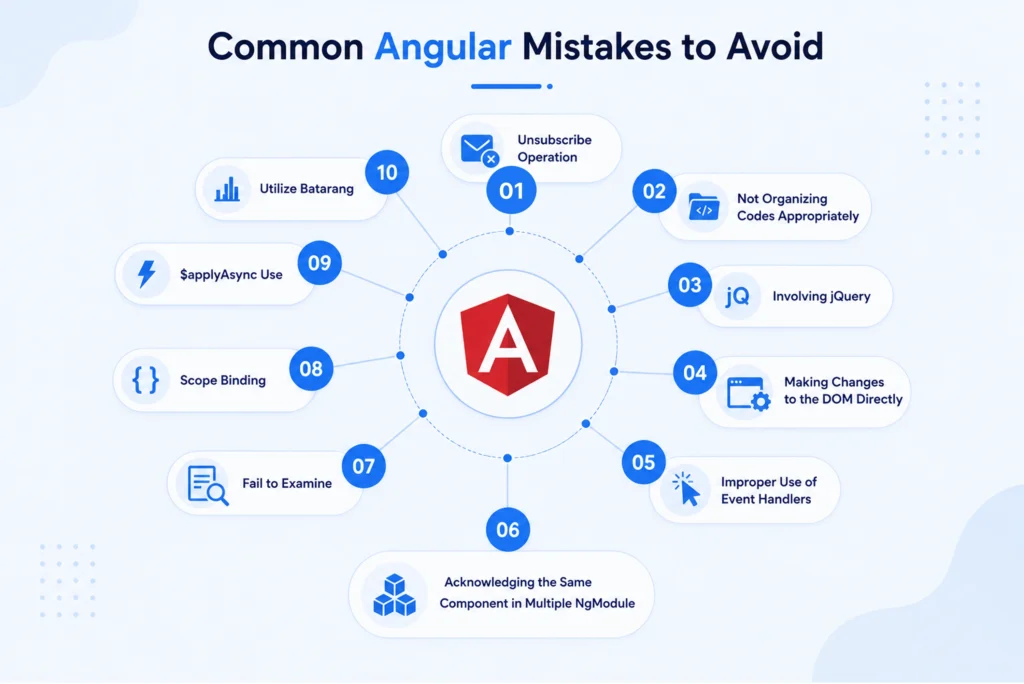
Skipping the Initial Audit
Starting without understanding your dependencies almost always leads to delays and unexpected costs.
Poor Test Coverage
Without reliable tests, it’s difficult to know whether migrated features still work correctly.
Ignoring Performance
Running AngularJS and Angular together temporarily adds overhead. Plan for it and monitor performance throughout the AngularJS to Angular migration.
Treating Migration as Only a Technical Project
Migration affects developers, business teams, and users. Clear communication and phased rollouts are just as important as writing code.
Not Training the Team
Modern Angular introduces concepts like Signals, standalone components, and new development patterns. Give your team time to learn them before expecting full productivity.
Ignoring Modern Angular Features
Simply replicating AngularJS patterns inside Angular limits the benefits of migration. Adopting standalone components, Signals, server-side rendering (SSR), and modern development practices helps maximize the value of your AngularJS migration investment.
Conclusion
AngularJS to Angular migration is no longer just a technical upgrade; it’s a business continuity strategy. Every year organizations postpone migration, they increase security exposure, compatibility risks, and long-term maintenance costs.
The good news is that you don’t have to rebuild everything from scratch.
Following a structured Angular Upgrade Guide, using proven Angular migration steps, and implementing an incremental ngUpgrade hybrid migration allows organizations to migrate AngularJS to Angular with minimal disruption while modernizing applications for future growth.
At CodesClue, we help businesses migrate AngularJS applications to modern Angular with minimal disruption. Whether you need a phased migration or a complete Angular modernization roadmap, our team can build a plan that fits your timeline, budget, and business goals.