
AI Predictive Analytics for Business: Turn Data Into Smarter Decisions
AI predictive analytics for business: where it pays back, a readiness check, how to test a model, tool options and what a first pilot costs.
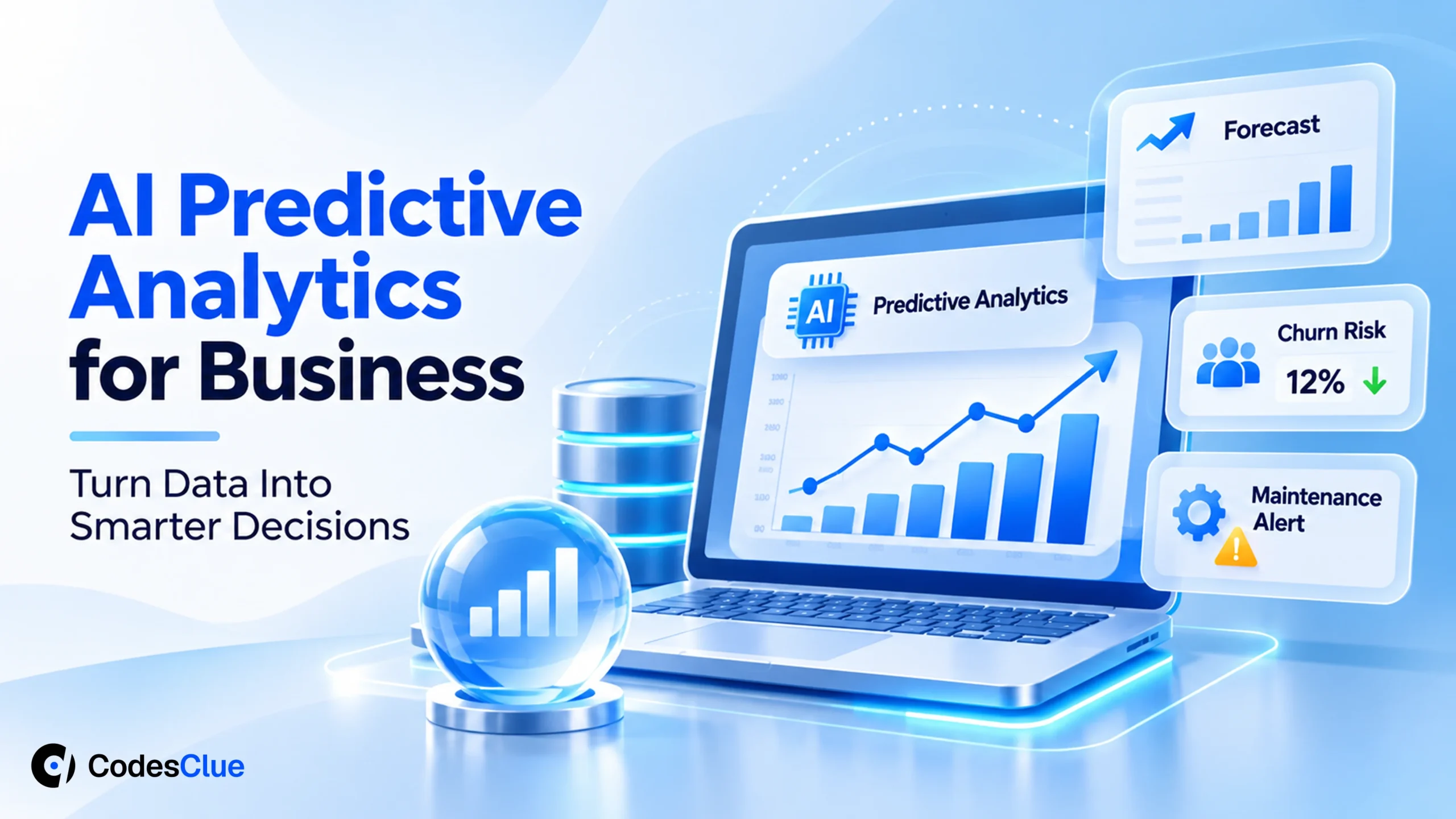
You have years of sales data, a CRM full of customer history and a weekly report that explains last month. Then stock runs out again, or a big account leaves without warning. Everyone says the signs were there. AI predictive analytics is how you spot those signs while there is still time to act.
This guide shows where it pays back, how to test if you are ready, which tools fit your size and what a first project costs.
Key Takeaways
- AI predictive analytics starts with one costly business decision, not a big data project.
- Clean history on that one decision matters more than the model you pick.
- Test any model against your current method on your own past data before you trust it.
- A prediction only pays when a named person acts on it, inside a tool they already use.
- Models drift. Compare forecasts with real outcomes and retrain on a schedule.
What is predictive analytics, and what does AI add?
Predictive analytics uses your past data to estimate what will happen next, such as which customers will leave or how much stock you need. AI-powered predictive analytics adds machine learning. The model finds patterns across many signals at once and keeps learning as new data arrives. You get a probability or a number, early enough to act.
Older forecasting used fixed formulas, such as last year’s sales plus 5%. A machine learning model weighs season, price, region, support tickets and sensor readings together. It can also catch patterns a person would never think to test.
Most guides on this topic come from tool vendors. They explain the idea well and then point you to their product. This guide to AI predictive analytics takes the buyer’s side. It helps you decide whether to start, where and with whom.
Predictive vs prescriptive analytics: which do you need first?
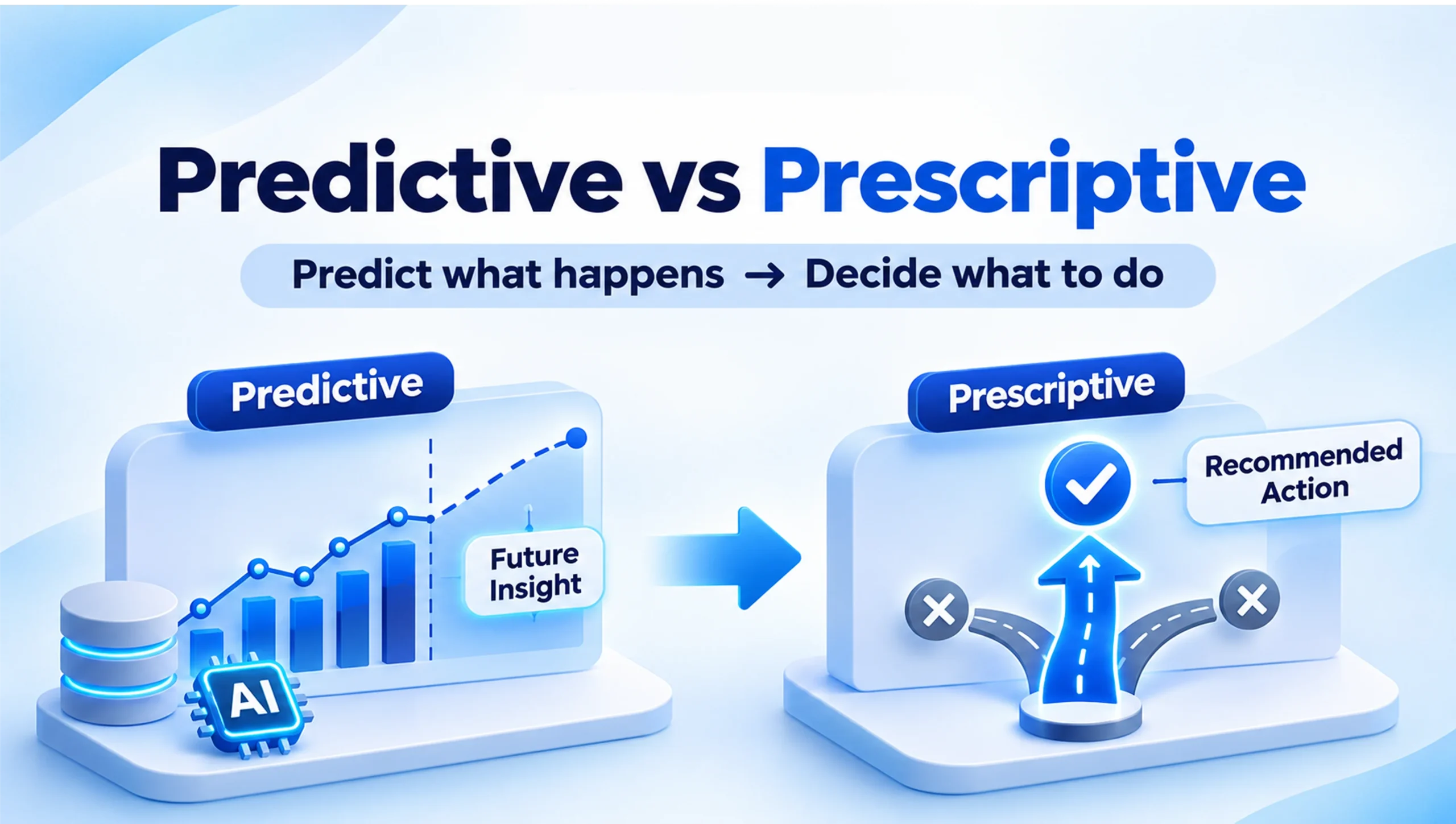
People mix up four kinds of analytics. The table shows the question each one answers.
| Type | Question it answers | Example output |
|---|---|---|
| Descriptive | What happened? | “Sales fell 12% last quarter.” |
| Diagnostic | Why did it happen? | “A stockout in our top region caused most of the drop.” |
| Predictive | What will happen next? | “Demand in that region will likely rise next month.” |
| Prescriptive | What should we do? | “Move 25% more stock to that region this week.” |
The gap between predictive vs prescriptive analytics is simple. One tells you what is coming. The other recommends the next step, or takes it for you. Start with forecasts you trust. Add recommendations once your team has watched the forecasts hold up for a few months.
Pro tip: Ask your team one question before any tool demo. Which decision do we get wrong most often, and what does each mistake cost? The answer is your first use case.
How Businesses Use Predictive Analytics to Forecast, Decide, and Act Faster
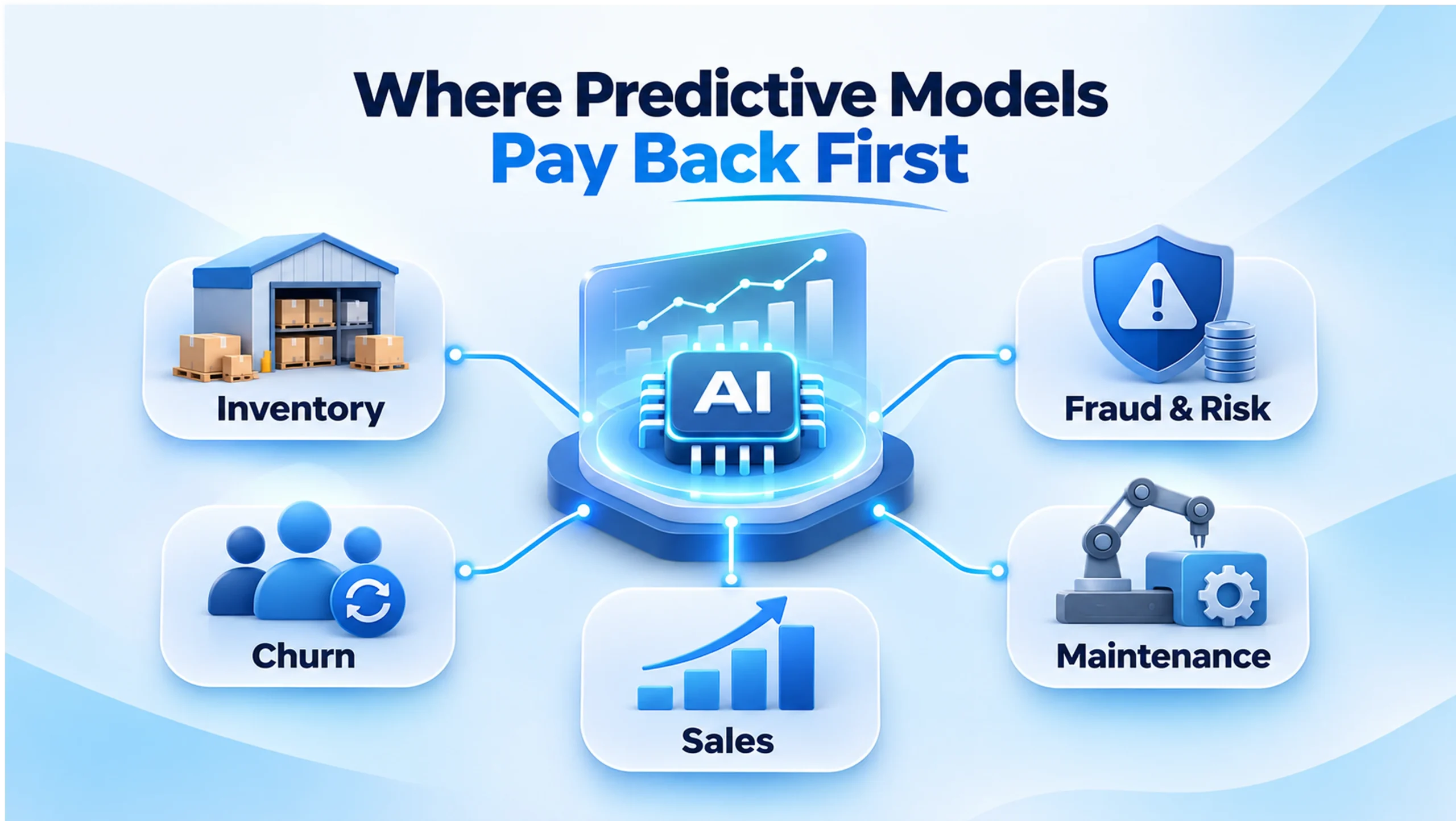
Pick a decision you make often, where each wrong call costs real money. Most good first projects do one of three jobs.
Forecast: what will happen
Demand, sales and cash forecasts help you plan stock, staff and spend. Supply chain predictive analytics often shows results fastest. McKinsey reports that AI-driven forecasting can cut supply chain forecast errors by 20 to 50%. It can also reduce lost sales and product unavailability by up to 65% (McKinsey, February 2022 (opens in a new tab)).
Our guide to AI in logistics goes deeper on routes, fleets and warehouses. For hourly restaurant demand and kitchen prep, read our guide to AI in restaurants. For shelf life and spoilage in food, see our guide to AI for food supply chains. Clubs and leagues use the same kind of score for training load and injury risk, which our guide to AI in sports analytics explains.
Decide: who or what needs attention
Scores rank customers, deals, claims or machines by risk. A churn score tells your account team who to call this week. A fraud score sends only the risky transactions to a person. Factories and stores use the same idea for maintenance and markdowns, as our post on predictive analytics in manufacturing and retail explains.
Act: put the prediction where work happens
A forecast helps only when it reaches the person who acts on it. That means an alert in the CRM, a flag in the ERP or a line in the morning report. Gartner expects AI agents to augment or automate half of all business decisions by 2027 (Gartner, June 2025 (opens in a new tab)). Those agents still need sound predictions underneath them.
Spending keeps rising as well. Grand View Research expects the global predictive analytics market to reach $82.35 billion by 2030 (Grand View Research, December 2024 (opens in a new tab)).
Pro tip: Write down who receives each prediction and what they do next. If you cannot fill in both, the project is not ready for a model yet.
What we see in real projects: predictive maintenance in AirShield
We built AirShield, an AI-powered IoT platform for air purifiers in hospitals, clinics and other regulated indoor spaces. More than 50 connected devices send sensor data around the clock. That includes PM2.5, pathogen levels, disinfection cycles and device performance.
A machine learning layer studies device performance trends to catch early signs of wear. Facility staff then get a maintenance alert on their phone before a device crosses a critical threshold. Purification cycles also adjust on their own to the air quality patterns the system detects.
Three lessons from that build carry over to most predictive projects:
- The data has to arrive reliably first. The companion apps hold readings offline, so restricted hospital networks do not break the data stream.
- The alert has to make sense to its reader. We reworked the screens using feedback from facility staff with no technical background.
- A prediction counts only when someone can act on it before the failure happens.
Pumps, compressors and pipelines follow the same pattern. Read how those lessons apply in our guide to AI in oil and gas.
The 60-second readiness check for predictive analytics for business
Answer these five questions honestly before you spend money on a model:
- Can you name one decision that costs you money every time it is wrong?
- Do you hold at least 12 months of fairly clean data about that decision?
- Does one person own the outcome, not just the dashboard?
- Can your team act on a prediction within days, not quarters?
- Would a 20% better result on that one decision show up in your numbers?
Four or five yes answers mean you are ready for a pilot. Two or three mean you should fix the data or the ownership gap first. Our guide to data governance implementation shows a 90-day route. Zero or one means you need a sharper business question before you need a tool.
Which option fits you: buy, build or blend?
Do not start by shopping for predictive analytics software. Start with the decision, then pick the option that fits your data, your team and the value at stake.
| Your situation | Best fit | Trade-off |
|---|---|---|
| Small team, standard use case such as churn or sales forecasts, data in one system | Forecasting built into your CRM, accounting or ecommerce tool | Fast to start, little control over the model |
| You already run BI dashboards and want forecasts inside them | Predictive features of your BI tool | Easy for users, simpler models |
| Data sits in several systems, or forecasts must trigger actions in your own apps | Custom model on a cloud AI service, wired to your systems | More setup, much more control |
| Prediction sits at the core of your product or operations, at high volume | Custom machine learning platform with monitoring and retraining | Highest accuracy and cost, needs ongoing care |
If your goal is better dashboards, a BI add-on may do the job. Our post on Power BI Copilot shows what that layer can and cannot do. Choose custom work when the data lives in many places, or the prediction must drive an action in your own software.
Predictive analytics for small business
A small team rarely needs a custom model on day one. Turn on the forecasting already inside the tools you pay for. Move to custom work when that feature cannot see data from your other systems, or when its forecasts stop matching reality.
What the big cloud platforms offer
The major clouds sell predictive analytics tools that a skilled developer can start with quickly:
- Microsoft: AutoML in Azure Machine Learning (opens in a new tab) mixes standard machine learning models with well-known time series models to build forecasts.
- Google Cloud: BigQuery ML (opens in a new tab) lets analysts create time series models with SQL, right inside the data warehouse.
- AWS: Amazon closed its Forecast service to new customers on July 29, 2024, and now points them to SageMaker Canvas (AWS, July 2024 (opens in a new tab)).
That last change carries a lesson. Tools come and go, so keep your data, features and test results in a form you can move.
Pro tip: Ask any vendor to run a back test on your own data first. Their model predicts last year’s outcomes from older data, and you compare the result with what really happened.
How to judge a model before you trust it
Every vendor demo looks good. Judge a model on your own history with three checks:
- Beat a simple baseline. Compare it with your current method, such as last year’s sales plus a growth rate. If the model cannot beat that, stop.
- Test on a period it never saw. Train on older data, predict a later stretch and compare with what really happened.
- Count the misses that cost money. Losing a customer you failed to flag may cost far more than a call to one who stays. Track both kinds of miss.
Example scenario (typical pattern, not a client result): A distributor with 400 products wants better reorder points. The first model beats last year’s numbers on fast sellers but does worse on rare items. The team keeps the model for top sellers and a simple rule for the rest. That split often beats either method alone.
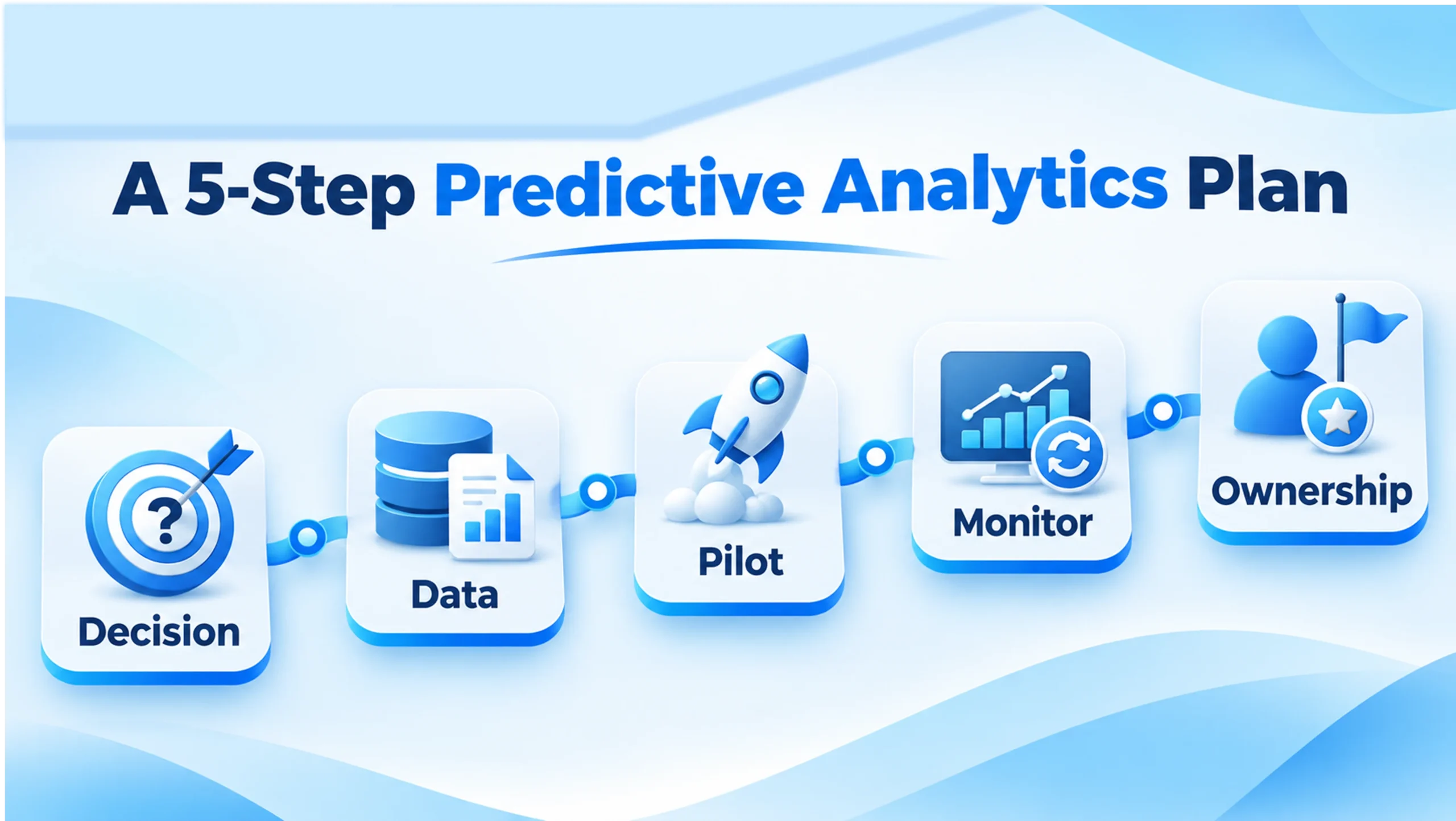
How to start: a 5-step predictive analytics plan
- Pick the decision. Write it as a question with a number, such as “Which customers will cancel in the next 60 days?”
- Audit the data. Look for missing, duplicate and outdated records in the systems behind that question. Fix the worst gaps first.
- Run a focused pilot. Build one model for one team and measure it against your current method for a fixed period.
- Close the loop. Compare predictions with real outcomes every week. Retrain when accuracy slips or the business changes.
- Name an owner. Give one person the job of acting on the predictions and reporting the result.
Tie each model to a number in your yearly plan. That is how predictive analytics for business strategy works in practice. Forecasts feed the budget, hiring and stock calls your leaders already make.
We run these steps as a proof of concept first, then an MVP, then production, in short Agile sprints. A stage moves forward only when the one before it proves its value. Our AI development process guide walks through the checks at each stage.
Not sure which decision to predict first? Describe it to us, and an engineer replies within one business day with an honest view on whether your data is ready.
When predictive analytics consulting makes sense
Buy a tool when the use case is standard and your data lives in one place. Bring in predictive analytics consulting when data sits across many systems or nobody in house has shipped a model. The same goes when the prediction must trigger action in your own software.
Good predictive data analytics services cover far more than the model. Ask any partner what they deliver on each point below:
- A data audit and a plan to fix the worst gaps
- A baseline and a back test on your own history
- Delivery of predictions into the tools your team already opens
- Monitoring, drift alerts and a retraining schedule
- Handover notes so your team can run the model without them
Pro tip: Ask who owns the model, the code and the training pipeline when the project ends. The answer should be you.
Common mistakes to avoid
- Skipping the data audit. Teams jump straight to modelling and find duplicate customers or missing months halfway through.
- Chasing accuracy over timing. A good-enough forecast that arrives on Monday beats a near-perfect one that lands after the order deadline.
- Predicting everything at once. Five half-finished models deliver less than one model in daily use.
- Leaving predictions without an owner. A churn score in a spreadsheet nobody opens saves no customers.
- Forgetting drift. Prices, products and customer habits change. A model trained before a big shift will slowly get worse.
What AI predictive analytics costs
The price of AI predictive analytics depends on how many data sources you connect, how clean they are and where the predictions need to appear. Cloud tools charge by usage, such as training hours and the number of forecasts. Check the official pricing pages before you budget.
For custom work, our project ladder looks like this:
| Budget | What you get | Fits when |
|---|---|---|
| $8K to $25K | A focused pilot on one decision, with one or two data sources and a simple report or alert | You want proof before a bigger spend |
| $25K to $70K | A production model wired into your systems, with dashboards, monitoring and retraining | The pilot worked and people use it daily |
| From $70K | Several models or a predictive platform at the core of your product | Predictions drive revenue at high volume |
Short on in-house skills? You can hire data scientists or hire ML engineers from our team. Development starts within 48 hours once you approve the developer.
When predictive analytics is the wrong call
We would tell you to wait in three cases. Your data on the decision covers only a few months. The outcome depends on rare one-off events, such as a single large contract. Or nobody has time to act on the forecast. In each case a clear report or a better process will help more than a model.
Some limits stay even when the data is good. AI predictive analytics learns from the past, so a sudden shock like a new rival or a supply crisis can throw it off for weeks. Keep a person in charge of big calls.
Pro tip: If a simple rule already gets you most of the way, keep the rule. Bring in machine learning for the cases the rule misses.
Getting started with AI predictive analytics
Good AI predictive analytics is narrow, owned and measured. Pick one costly decision, check your data, test against your current method and put the prediction in front of someone who acts on it.
CodesClue works AI-first. Engineers in Ahmedabad build your model, and clients reach us through our offices in the USA, Germany and India.
Our AI development services cover the full path from idea to live model. Our data analytics services and machine learning development services handle the data audit, the model and the link into your tools. When the pipelines need work first, our data engineering services team builds them.
Run the readiness check above and send us four answers. Tell us the decision you want to predict, where its data lives today, how much history you have and who will act on the result. Someone from our data team writes back by the end of the next business day. You get a first pilot we would try, or a plain note that it is too early. For a live example, read how we built predictive maintenance into AirShield. Then send your answers to our data team.
FAQs
How much data do you need to start with AI predictive analytics?
It depends on the outcome you want to predict. A churn model needs enough past customers who actually left, not just total rows. A demand model works better when it has seen your busy and quiet seasons at least twice. If the outcome is rare in your records, start by collecting better data on it before you fund a model.
Can a predictive model explain why it made a prediction?
Yes, most business models can show which inputs pushed a score up or down. For a churn score, that might be fewer logins and more support tickets. Ask for these reasons to appear next to every prediction. Staff trust a score they can question, and the reasons also help you catch a model that learned the wrong pattern.
Is it safe to use customer data for predictive models?
It can be, with the right controls. Remove names and contact details the model does not need. Limit who can see raw records and keep the data in the region your customers expect. If you serve people in the EU, check the GDPR rules on automated decisions before a model acts on a person without a human review.
What should happen when a prediction turns out wrong?
Plan for it from day one, because every model misses sometimes. Set a score threshold that matches the cost of each kind of mistake. Send borderline cases to a person instead of acting on them automatically. Log every miss and review the pattern each month, since repeated misses in one group usually point to missing or outdated data.
Do you need a data warehouse before your first predictive project?
Not for a pilot. A focused test can run on exports from one or two systems, as long as the records are clean and dated. A warehouse or a proper data pipeline becomes worth it once the model goes live and needs fresh data every day. Build that part when the pilot has shown real value.
How often should you retrain a predictive model?
There is no fixed calendar. Retrain when the model’s error on recent weeks starts to climb, or when something big changes, such as new products, prices or markets. Many teams set an automatic check that compares forecasts with actual results every week. That check tells you when to retrain, so you do not guess.