Manufacturing Software Development Cost in 2026: What You Pay and What Pays Back
Manufacturing software development cost in 2026 by module, what pays back first, and build vs buy, with a table to pick the right option for your plant.
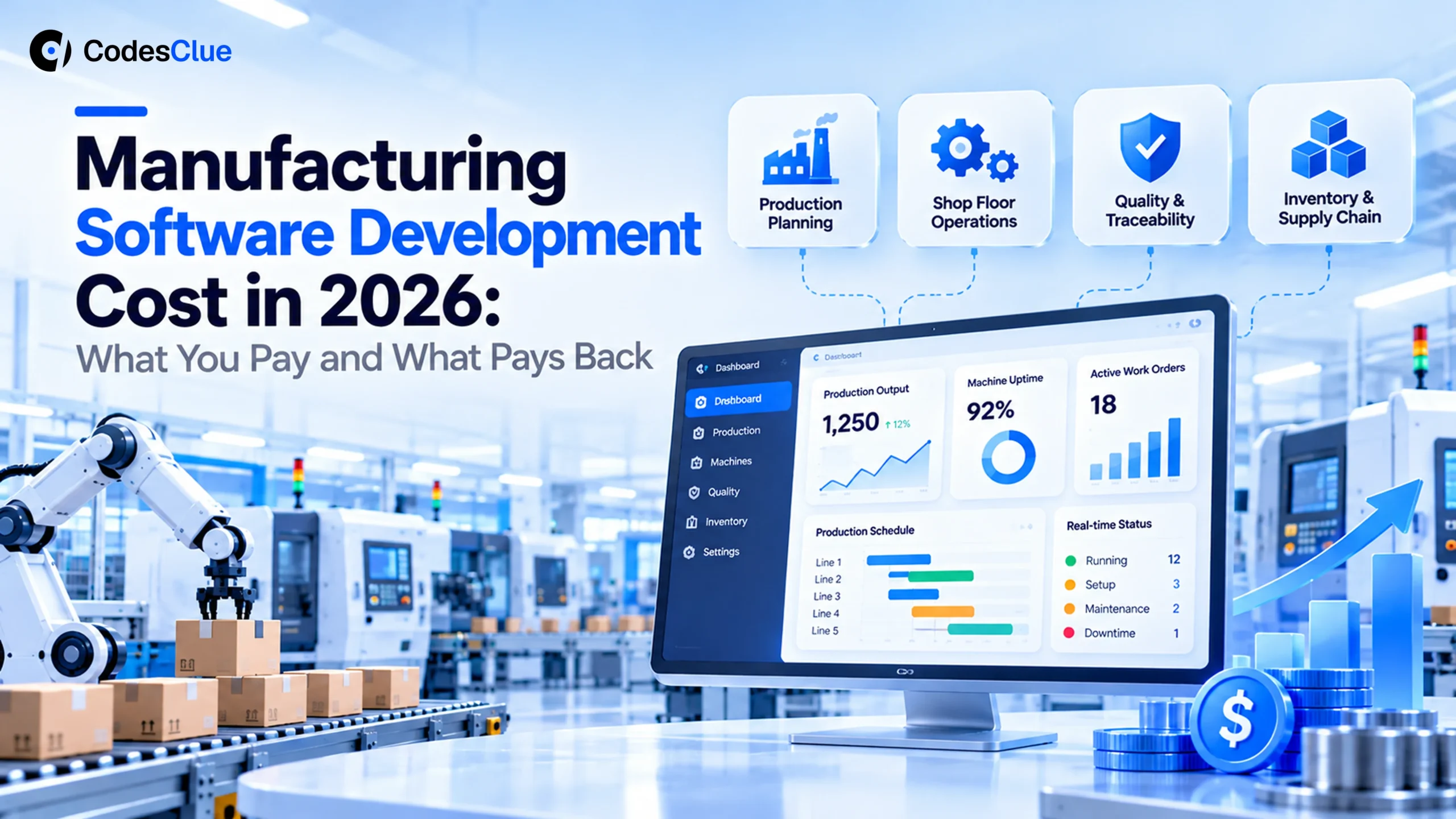
Your plant runs on a mix of spreadsheets, whiteboards and an ERP that nobody likes. You know software could fix it, but the quotes swing from $10K to $300K.
This guide breaks down the real manufacturing software development cost in 2026. You will see what each type of system costs, which projects pay back first, and when buying off the shelf is smarter. By the end, you will have a budget range you can defend in a board meeting.
Key Takeaways
- Published 2026 guides put manufacturing software development cost between about $8,000 for a simple tool and $300,000 or more for a multi-plant system.
- Machine connections, old equipment and shift patterns move the price more than screens and features do.
- Off-the-shelf tools cost about $100 to $300 per user per month. A custom build wins when your process is unusual or your user count is large.
- Start with the module that stops the most expensive loss, usually downtime, scrap or late orders, and prove it on one line first.
- At CodesClue, a proof of concept or MVP runs about $8K to $25K. A production system runs $25K to $70K, and a multi-plant platform starts from $70K.
How much does manufacturing software development cost in 2026?
Most custom manufacturing software costs $25,000 to $150,000 to build. A single-purpose tool, such as a job tracker or a gate log, can start near $8,000. A full system that connects machines, schedules production and feeds your manufacturing ERP across several plants often passes $300,000. Support and updates come on top: Azilen estimates $8,000 to $30,000 a year.
Those figures come from published 2026 cost guides. Dev Technosys lists simple builds at $8,000 to $16,000 and complex ones above $25,000. Azilen puts most custom manufacturing projects between $50,000 and $300,000.
The gap is wide because “manufacturing software” covers anything from a tablet checklist to a plant-wide execution system. For the wider picture across industries, see our custom software development cost guide.
Cost by type of manufacturing software
The fastest way to a real number is to name the module you need. Each one solves a different problem and carries a different price.
| Module | What it does | Published market range |
|---|---|---|
| Simple tool: job tracker, checklist or gate app | Replaces paper job cards, whiteboards and registers with live records | $8K to $25K |
| Manufacturing execution system (MES) | Runs the shop floor: orders, operators, machine states, output | $60K to $150K+ |
| Production planning and scheduling | Builds a schedule from capacity, materials and due dates | $80K to $200K+ |
| Quality and traceability | Lot and serial records, inspections, audit trails | $40K to $100K+ |
| Inventory and materials | Stock levels, reorder points, barcode scanning | $40K to $120K+ |
| Machine data and IoT | Collects signals from machines and sensors for live dashboards | $50K to $140K+ |
| ERP extensions and integrations | Connects shop floor data to your manufacturing ERP and accounting | $50K to $120K+ |
The simple tool range comes from Dev Technosys; the module ranges come from Azilen’s 2026 cost guide. Treat them as a market view, not a quote.
Pro tip: Price the module, not the “platform”. A buyer who asks for “a full MES” gets a six-figure quote. Ask for “work orders and downtime reasons on line 2” instead, and you get a number you can approve this quarter.
What drives manufacturing software development cost up or down
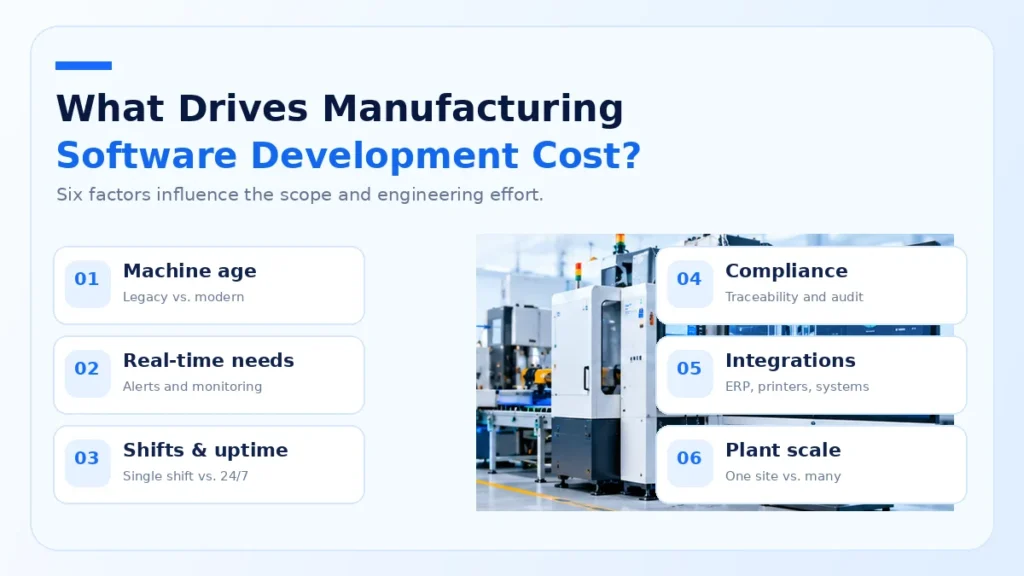
Two plants can ask for the same features and get quotes that differ by 3x. These are the reasons we see most often.
- Machine age. New machines often share data through standard protocols. A 20-year-old press may need extra hardware or a manual input screen.
- Real-time needs. A report that updates every hour is simple. An alert that fires within seconds of a fault needs more engineering and testing.
- Shifts and uptime. Software for a single day shift can go offline at night for updates. A plant that runs around the clock needs zero-downtime releases.
- Compliance. Food, medical and aerospace plants need full traceability and signed records. That adds design and testing time.
- Integrations. Every link to an ERP, a label printer or a supplier portal adds work. Old ERPs with no API add the most.
- Number of plants. One site is one set of rules. Five sites usually means five slightly different processes to support.
Pro tip: Walk the floor with your developer before you sign. One hour beside the machines shows more about integration cost than a 20-page spec.
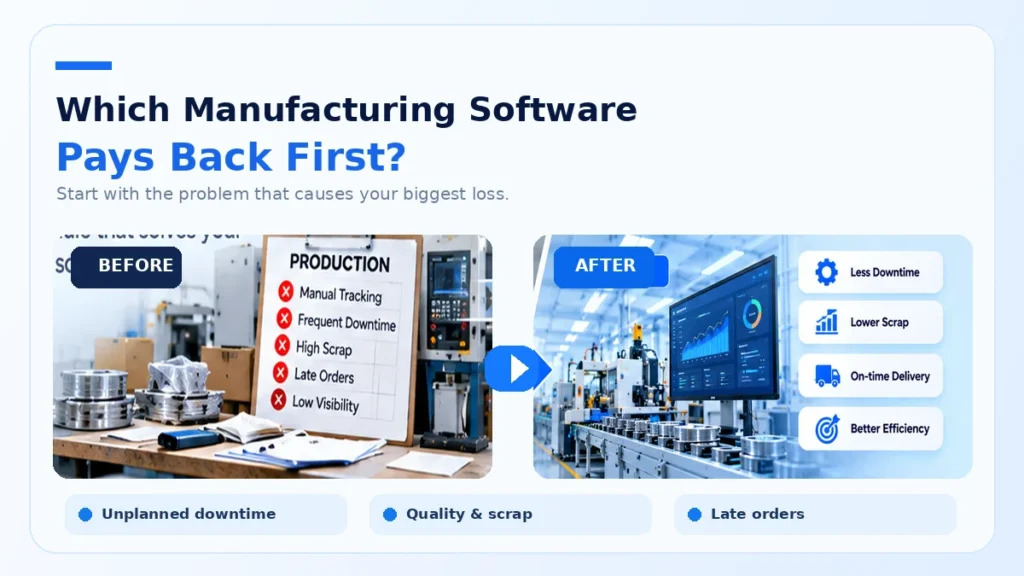
Which manufacturing software pays back first?
Cost only matters next to what the software saves. Downtime is usually the biggest number. Siemens’ True Cost of Downtime 2024 report (opens in a new tab) found that a large plant loses about 27 hours a month to unplanned stops. An idle line in a major automotive plant can cost up to $2.3 million an hour.
Your plant is likely smaller, but the logic holds. Rank projects by the loss they stop:
| Use case | The loss it stops | Typical payback signal |
|---|---|---|
| Downtime capture | Stops nobody records, so nobody fixes | Minutes of downtime per shift fall within weeks |
| Work order tracking | Late orders and time spent chasing status | Fewer “where is my order” calls and expedites |
| Lot traceability | Wide recalls and failed audits | A recall can shrink from weeks of output to one batch |
| Scheduling | Idle machines and overtime | Higher on-time delivery with the same staff |
| Gate and visitor logs | Unknown people on site, paper registers | Every visit recorded in and out |
Predictive maintenance can pay back too, once you have clean machine data. Our guide to predictive analytics in manufacturing covers that step.
What we see in real manufacturing projects
Two CodesClue projects show how different “manufacturing software” can be.
ArcelorMittal runs a steel site in the UAE. Its security team has to identify every vendor and visitor at the gate, then log them in and out.
We built a Flutter mobile app with a Node.js backend that scans the visitor’s Emirates ID instead of typing. Each screen does one job with one large button, because the gate team works with a queue. The ArcelorMittal case study shows the five tabs that cover their day.
Blueberry Pie needed the opposite: one web dashboard for tasks, compliance, production, inventory, suppliers and HR. We built it in Angular with MySQL and live updates. The Blueberry Pie case study reports 12+ active modules and a 65% cut in manual effort.
The lesson from both: the people on the floor decide whether anyone uses the software. Operators quietly ignore a tool that saves the manager an hour but costs them 30 seconds per job.
Pro tip: Put the first version in front of operators during a real shift. Fixing their complaints in week one costs far less than a rollout nobody uses.
Build vs buy: custom or off-the-shelf manufacturing software?
Off-the-shelf tools cost less to start. Software Advice’s 2026 manufacturing software pricing research (opens in a new tab) found an average spend of about $241 per user per month at small and mid-size manufacturers. Most budget $100 to $300. Setup, integration and training come on top.
| Off-the-shelf | Custom build | Off-the-shelf plus custom add-ons | |
|---|---|---|---|
| Upfront cost | Low (setup fees) | High ($25K to $150K+) | Medium |
| Ongoing cost | Grows with every user | Hosting and support only | Subscription plus support |
| Fit to your process | You adapt to the tool | The tool follows your process | Core is standard, edges are yours |
| Time to first use | Weeks | About 3 to 5 months for a first system | 1 to 3 months |
| Who owns the code | The vendor | You | Split |
Our custom software vs off-the-shelf guide goes deeper on the general trade-off.
Which option fits your plant?
- Under 15 users and a standard process: buy off the shelf. The subscription will cost less than a build for years.
- A good ERP but a messy shop floor: keep the ERP and build a custom shop floor layer that feeds it.
- A process competitors cannot copy: build custom. That process is your edge, so own the software that runs it.
- 50+ users on per-seat pricing: compare five years of subscriptions with a custom build. Custom often wins here.
- Not sure where the losses are: start with a small downtime and work order tracker. Its data will tell you what to build next.
Not sure which group you fit? Tell us about your plant and we will suggest the smallest first step.
How to start a manufacturing software project without overspending
- Name one loss. Pick the problem that costs most: downtime, scrap, late orders or audit risk.
- Measure the baseline. Count it for two weeks, even on paper. You need a “before” number.
- Build a proof of concept on one line. Test the riskiest part first, usually the machine connection.
- Ship an MVP to one shift. Real operators, real orders, a short feedback loop.
- Connect to the ERP. Once your team trusts the data, feed it to planning and accounting through software integration.
- Roll out line by line. Each new line or plant uses what you already proved.
This POC to MVP to production path is how we work at CodesClue. Our engineering team is based in Ahmedabad, with offices in India, the USA and Germany. Agile delivery means you see working software at the end of each sprint, not at the end of the budget.
Costs nobody puts in the first quote
Use this checklist before you approve any budget:
- Hardware: tablets for the floor, barcode scanners, gateways for old machines.
- Network: Wi-Fi that reaches every corner of the plant.
- Data clean-up: part numbers, bills of materials and routings that disagree between systems.
- Training for every shift, including nights and weekends.
- ERP vendor fees for API access or extra licences.
- Support and updates every year after launch.
Our guide to ERP and CRM integration explains why the integration line is often the one that grows.
Common mistakes to avoid
- Buying a platform before fixing the process. Software makes a bad process faster, not better.
- Skipping operators in design. If it slows the floor down, people go back to paper.
- Connecting every machine on day one. Start with the bottleneck machine and prove the value there.
- No owner inside the plant. Someone on your side must own the data and the rollout.
- Comparing quotes with different scopes. Write one scope and ask every vendor to price the same thing.
An honest limit: custom software will not fix a staffing gap or a broken machine. If the real problem is maintenance, spend there first.
What CodesClue charges for manufacturing software
We price manufacturing projects in three bands. Every estimate comes in writing after a scoping call, with hosting and support shown next to the build price.
| Project | What you get | Typical cost |
|---|---|---|
| Proof of concept or MVP | One module on one line, such as downtime capture or a gate log, with a simple dashboard | $8K to $25K |
| Production system | Several modules, user roles, ERP integration, reports for managers | $25K to $70K |
| Multi-plant platform | Machine data at scale, scheduling, traceability, several sites | From $70K |
Prefer to add people to your own team? You can hire software developers from CodesClue, and development starts within 48 hours once we agree the requirements and you approve the developer.
Plan your manufacturing software budget with confidence
The manufacturing software development cost that matters is the one you can tie to a loss you stop. Start with one module, prove it on one line, then grow. Compare build vs buy over five years, not one, and budget for the hardware, data and training that first quotes leave out.
Want a number for your plant? Send us the problem you want to fix, and we will reply with a written estimate and a first step you can test in weeks. See our manufacturing software development services or talk to our team.
FAQs
How long does it take to build custom manufacturing software?
A single-purpose tool, such as a downtime tracker or a gate app, can go live on one line in six to ten weeks. A production system with several modules and an ERP connection usually takes three to five months. Multi-plant platforms run longer because every site adds its own rules, machines and training. Starting with one line keeps the first release short.
Can custom software connect to old machines with no network port?
Often, yes. Some older machines can share signals through an add-on gateway or a simple sensor on power or cycle count. When that is not practical, a tablet screen next to the machine lets operators log stops and counts in two taps. The right choice depends on the machine, so ask your developer to look at it before quoting.
Do we have to replace our ERP to get better shop floor data?
No. Most plants keep their ERP for finance, purchasing and planning, and add a shop floor layer that feeds it. The custom layer captures what happens on the line in real time, then sends clean totals to the ERP. Replacing an ERP is a much bigger and riskier project, so treat it as a separate decision.
Who owns the code and data in a custom manufacturing software project?
With a custom build, your contract should give you full ownership of the source code and your data, with hosting in your own cloud account. That means you can switch vendors or bring the work in-house later. With off-the-shelf tools, the vendor owns the software, and leaving often means exporting data and rebuilding reports elsewhere.